
Home › Accounting & Business Finance › Job Costing Template Excel Free
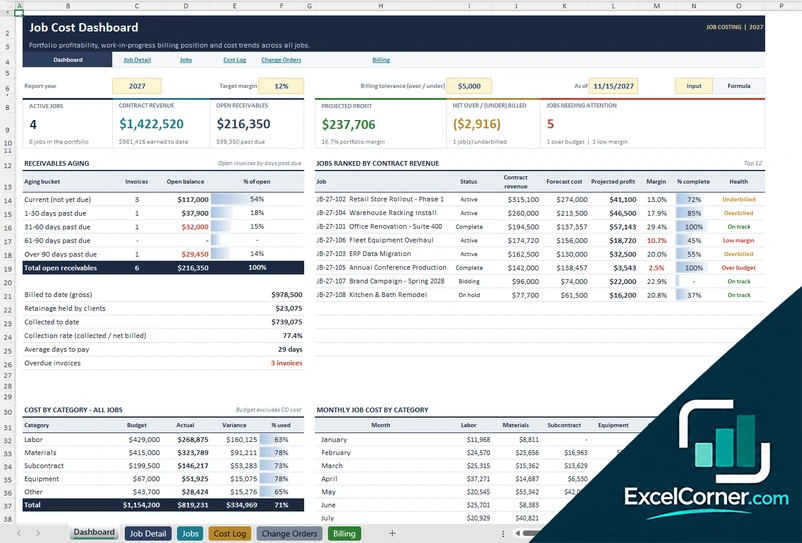
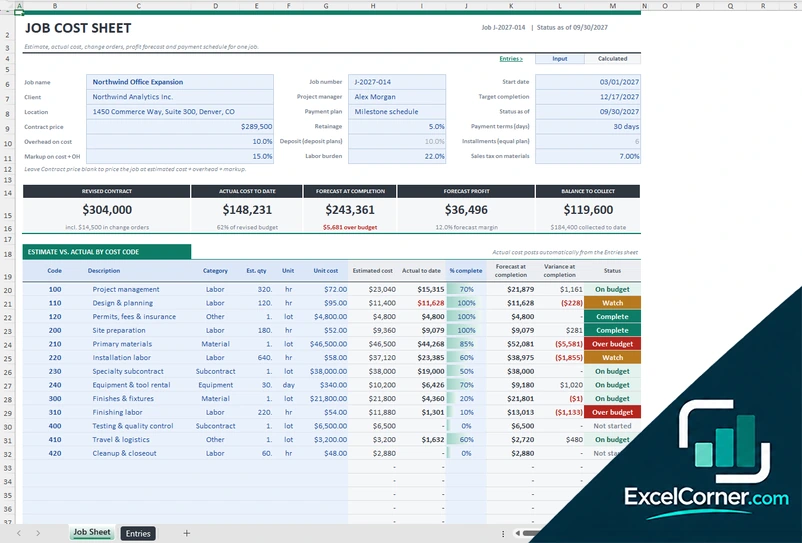
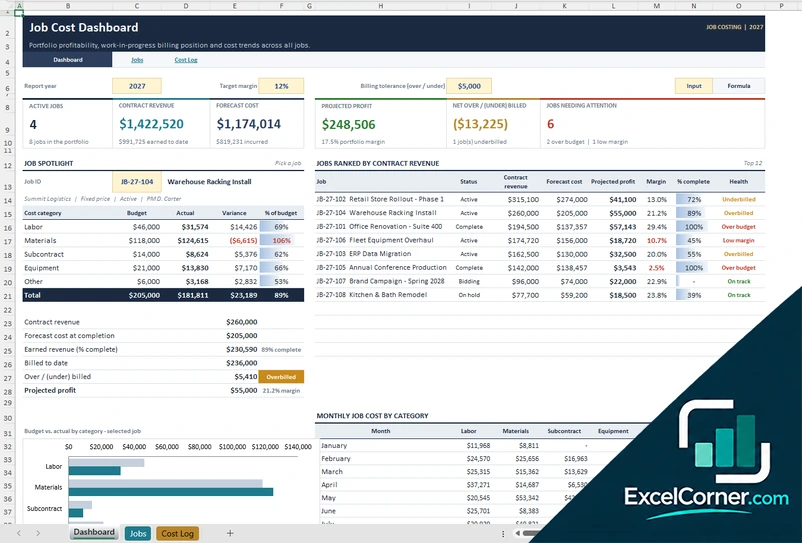
Previewing: Version 1 · Job Costing Workbook. Pick another version on the right.
Instant download · No sign-up · No email
Use this free job costing template for Excel to know what each job really costs and earns. Post labor, materials, subcontracts and other costs to a job, compare them with the budget and see the profit, the billing and the receivables. Pick the version that fits your work.
Choose your version
- File
- .xlsx · 164 KB · 6 sheets
- Works with
- Microsoft Excel (.xlsx)
- Macros
- None · formulas only
- Price
- Free
Track job costs and profit in an Excel job costing template
Job costing records every cost that belongs to a job, such as labor hours, materials, subcontractors and equipment, and compares the total with the estimate and the contract price. It tells you which jobs make money, which are over budget and how much you can still bill.
These Excel job costing templates cover three situations. The first is a workbook for a portfolio of jobs with a cost log, change orders, billing with retainage and a dashboard. The second is a job cost sheet for one job, with an estimate by cost code and a payment schedule. The third is a portfolio tracker with a job spotlight for contractors and service firms.
Best for
- Contractors and tradespeople who track cost and profit by job
- Agencies and service firms that bill by project
- Owners who want one place for budgets, costs, change orders and invoices
Maybe not for
Companies that need full construction accounting with payroll and tax reporting. These files track job cost and billing, and you keep your general ledger elsewhere.
Which version is right for you?
All three are free, formula-driven Excel files with sample data you can replace. They are independent, so you can download more than one.
Version 1
Job Costing Workbook
Track the cost, profit and billing of every job, with change orders, retainage and a receivables aging report.
DashboardJob DetailJobsCost LogChange OrdersBilling
.xlsx · 164 KB
Version 2
Job Cost Sheet
Cost a single job with an estimate by cost code, actual cost entries, a profit forecast and a payment schedule.
Job SheetEntries
.xlsx · 70 KB
Version 3
Job Cost Portfolio Tracker
Post costs to jobs by category and see the portfolio ranked by revenue, with a spotlight on any job you pick.
DashboardJobsCost Log
.xlsx · 93 KB
What is inside the job costing Excel templates
Version 1: Job Costing Workbook
On the Jobs sheet you enter one row per job with the client, manager, status, contract type, dates, contract value or markup and the budget by category. The Cost Log records every cost posted to a job, and the Change Orders sheet adds approved changes to the price and the budget. The Billing sheet is an invoice register with retainage, payment terms, collections and receivables aging. The Job Detail sheet shows one job, and the Dashboard shows the active jobs, the contract revenue, the open receivables, the projected profit, the net over or under billed amount and the jobs that need attention, with a ranking of jobs, a receivables aging table and cost trends.
Version 2: Job Cost Sheet
On the Entries sheet you post each cost with the date, the cost code, the type, the employee or vendor, the hours or quantity and the rate, and the sheet adds the labor burden and the sales tax on materials. The Job Sheet takes the job details, the contract price, the retainage, the payment terms, the overhead, the markup, the labor burden and the sales tax, and shows the revised contract, the actual cost to date, the forecast at completion, the forecast profit and the balance to collect. A table compares the estimate with the actual cost by cost code, with the percent complete, the forecast at completion and the variance, and a payment plan covers milestones, a deposit or equal installments.
Version 3: Job Cost Portfolio Tracker
The Jobs sheet holds one row per job with the contract terms and the budget by cost category, and the Cost Log holds every cost posted to a job: labor time, materials, subcontracts, equipment and other expenses, with the quantity, the unit cost, the amount and a reference. The Dashboard shows the active jobs, the contract revenue, the forecast cost, the projected profit, the net over or under billed amount and the jobs needing attention, and it ranks the jobs by contract revenue with a health status. A job spotlight lets you pick a job and compare the budget with the actual cost by category.
How to use the job costing template in Excel
- Download
Pick the version you want and open it in Excel. - Set up your jobs
Enter each job with its client, contract type, contract value, dates and the budget by cost category. Fill in the input cells; formula cells calculate on their own. - Post the costs
Add each cost to the cost log with the job, category, vendor or employee, quantity and rate. - Review the jobs
Check forecast cost, projected profit, over or under billing and the jobs that need attention, then bill the client.
Post costs weekly, so the forecast profit stays current and surprises show up early.
Which job costing template do you need?
| Job Costing Workbook | Job Cost Sheet | Job Cost Portfolio Tracker | |
|---|---|---|---|
| Best for | Jobs, change orders and billing | One job in detail | A portfolio of jobs with a cost log |
| You enter | Jobs, costs, change orders and invoices | Cost entries and an estimate by cost code | Jobs and a cost log |
| You get | Profit, billing position and receivables aging | Forecast at completion and a payment schedule | Job ranking, spotlight and cost by category |
They are separate files, so you can use more than one.
Tips for accurate job costing
- Give every job a unique ID and post each cost to one job.
- Split costs into labor, materials, subcontracts, equipment and other, so you can compare them with the budget.
- Add labor burden and overhead to labor costs to see the true cost of a job.
- Record change orders as soon as they are approved, so the contract value and budget stay correct.
- Compare billing with cost and progress to catch over-billing and under-billing.
- Review jobs that are over budget or below your target margin every week.
Frequently asked questions
Is this job costing template for Excel free?
Yes. All three versions are free to download as .xlsx files. You do not need an account or an email address.
Which version should I choose?
Choose the Job Costing Workbook (Version 1) for a portfolio of jobs with change orders, billing and receivables. Choose the Job Cost Sheet (Version 2) to track one job in detail with an estimate by cost code and a payment schedule. Choose the Job Cost Portfolio Tracker (Version 3) for a portfolio with a cost log and a job spotlight. They are separate files, so you can use more than one.
What is job costing?
Job costing is a way of tracking every cost of a job or project and comparing it with the estimate and the price, so you know the profit of each job and not only of the whole business.
What is over-billing and under-billing?
Over-billing means you have billed more than the work completed is worth, and under-billing means you have billed less. The Job Costing Workbook compares billing with the earned revenue and shows the net over or under billed amount.
Does it handle retainage and change orders?
Yes. The Job Costing Workbook records retainage on each invoice, tracks the amount held and the days to pay, and adds approved change orders to the contract value and the budget. The Job Cost Sheet also supports retainage.
Does the template work in Google Sheets?
The files are made for Microsoft Excel and use standard formulas with no macros. You can upload them to Google Drive and open them with Google Sheets, but some formatting or charts may look different.
Is my data stored online?
No. The templates are plain Excel files, so the numbers you type stay in your own file on your own computer.
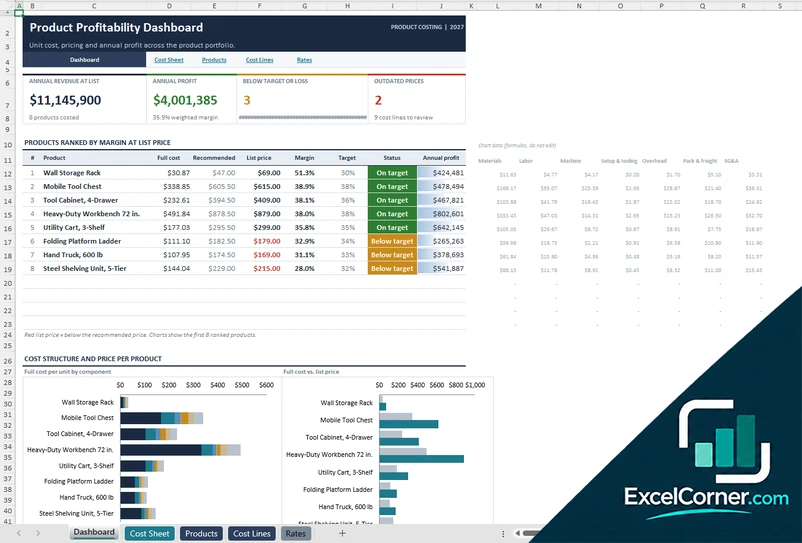
More free costing and margin templates
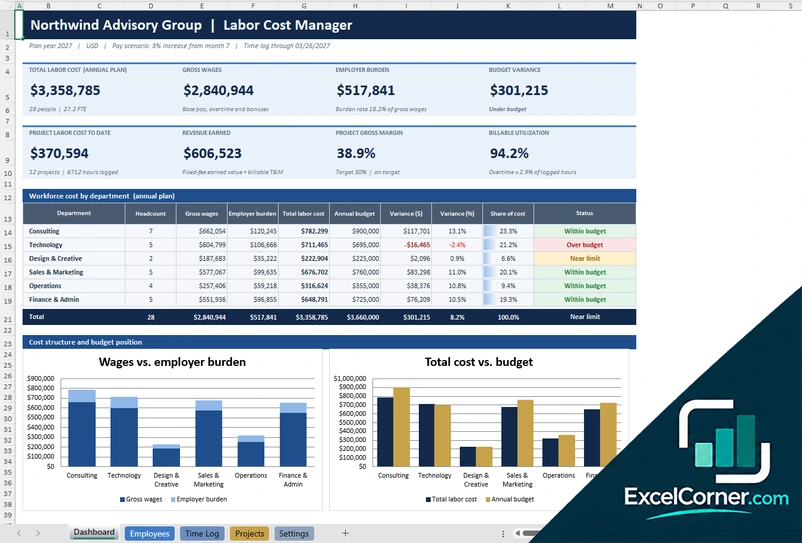
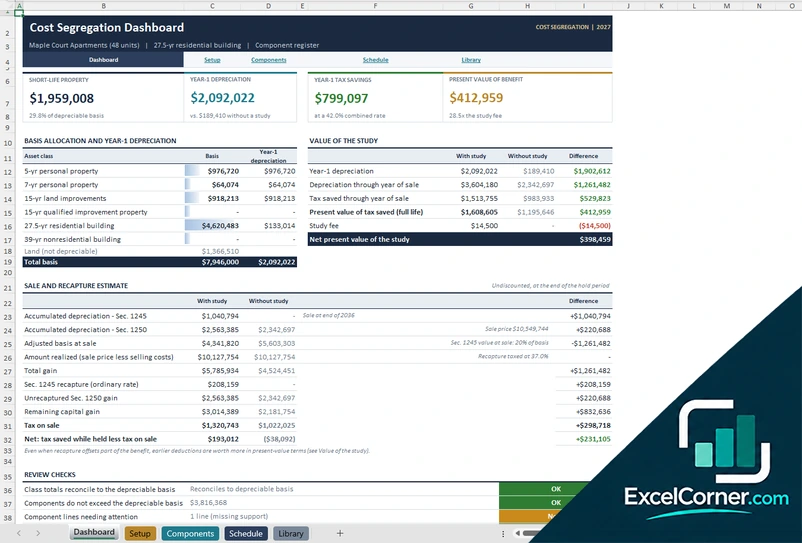
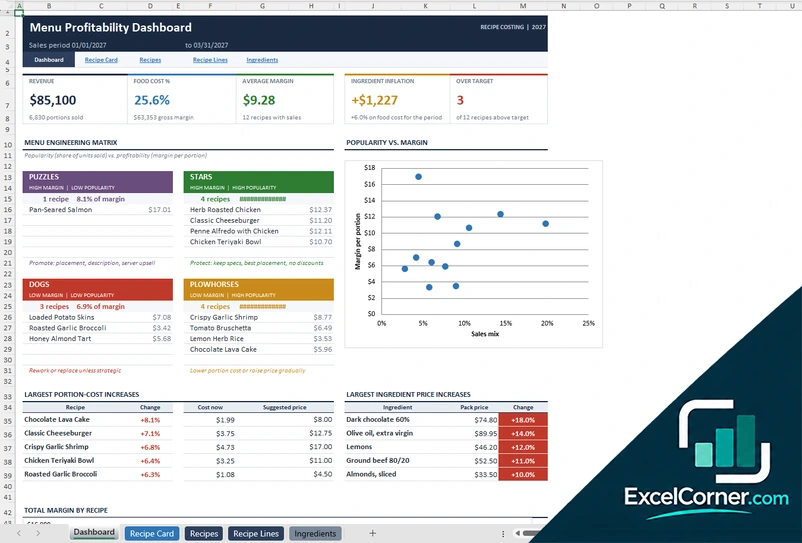
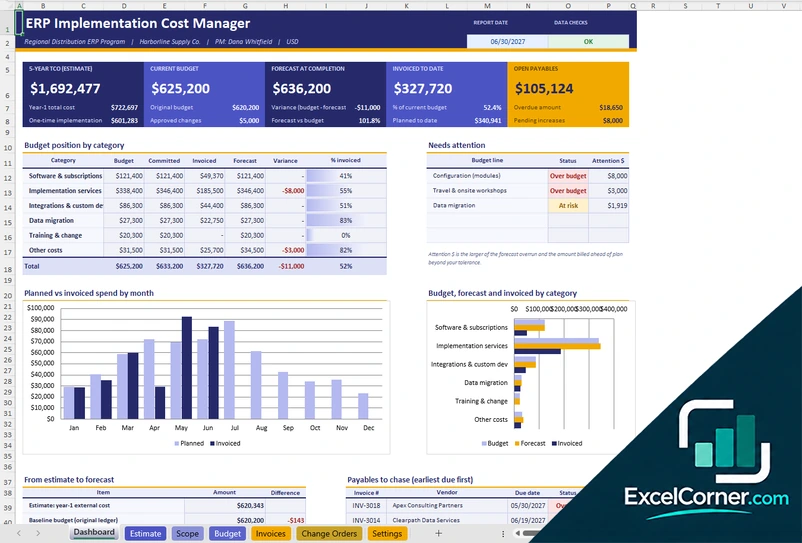
These templates are planning tools with sample data, not accounting, tax or legal advice. Check the figures against your accounting records. Excel is a trademark of Microsoft Corporation; Excel Corner is not affiliated with Microsoft.