
Home › Project Management
Excel is still one of the most used project management tools, especially for small teams and for reports that go to stakeholders. These free templates cover three areas: resource and capacity planning, risks, issues and changes, and project costs and effort.
Each page offers up to three .xlsx versions with sample data that you replace with your own.
Resource and capacity planning
See who is assigned to what, how loaded each person is and where capacity runs out.
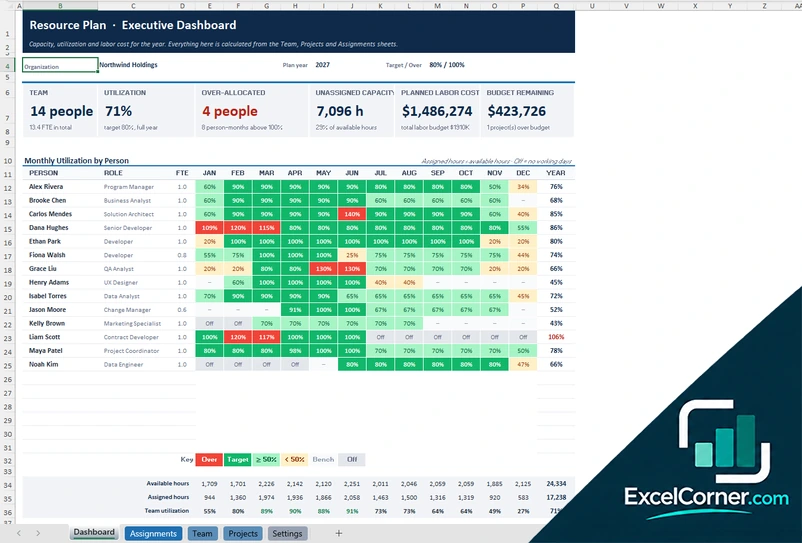
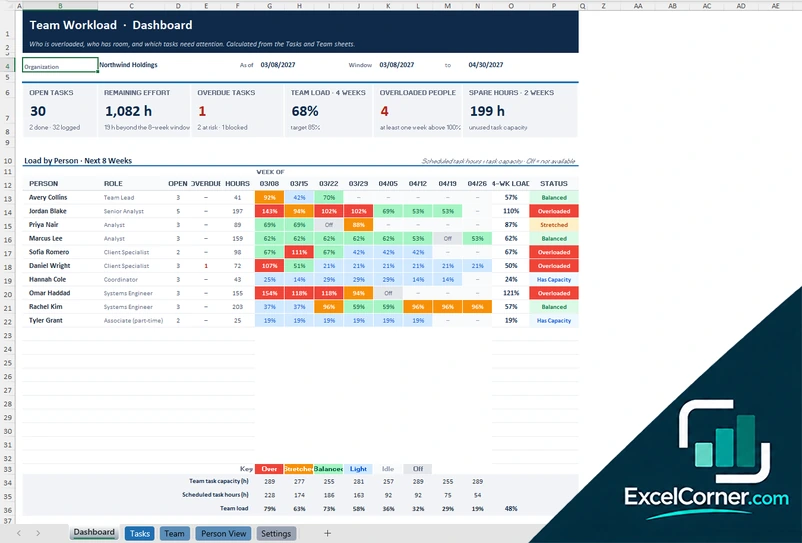
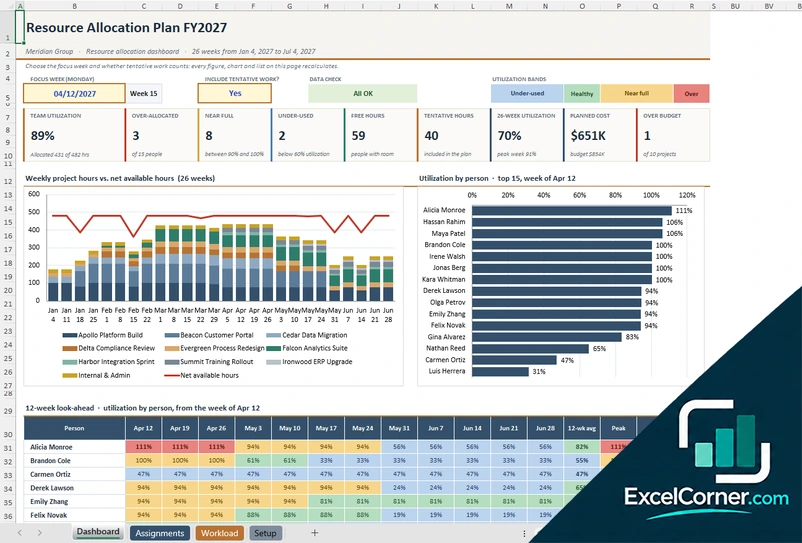
Risks, issues and changes
Log what can go wrong, what already has, and which changes were requested and decided, so lessons are kept for the next project.
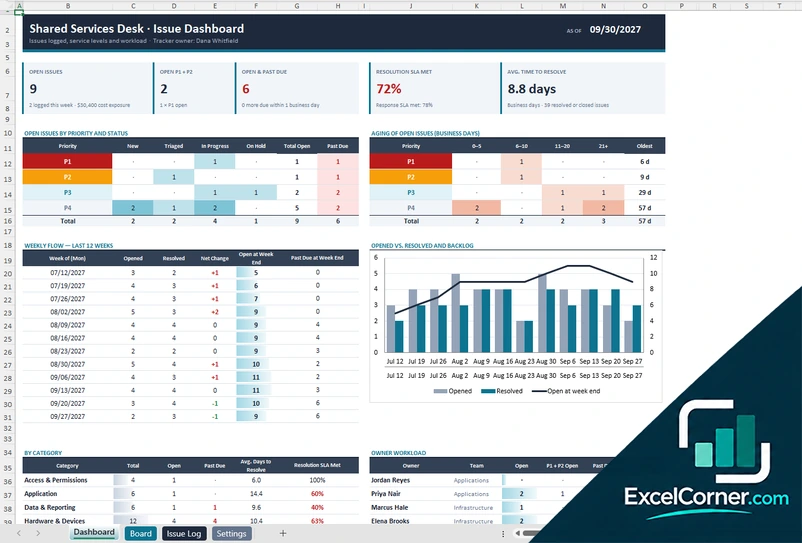
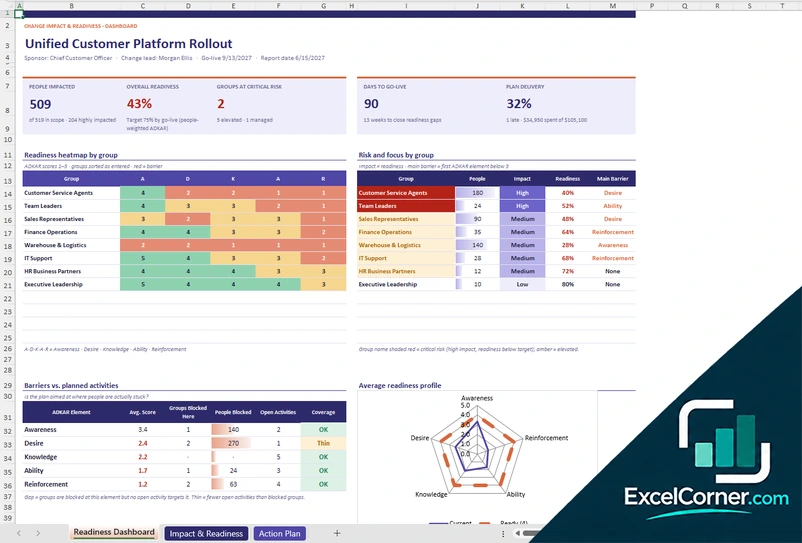
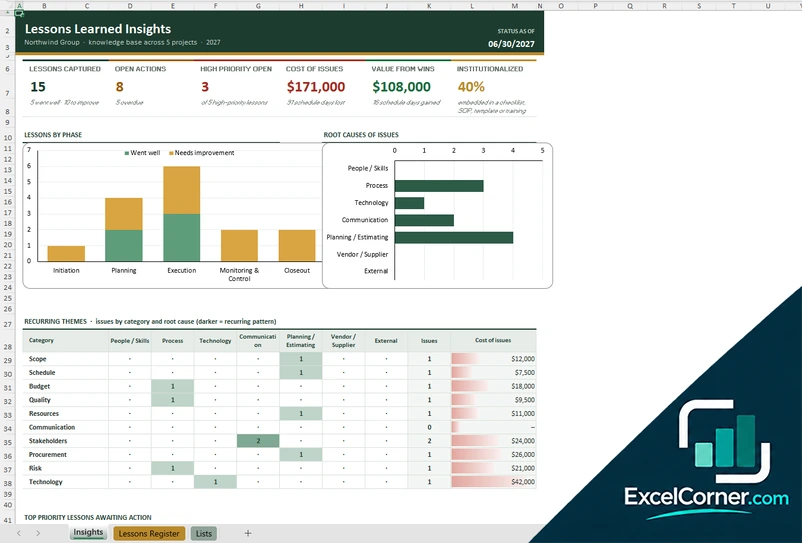
Project costs, effort and prioritization
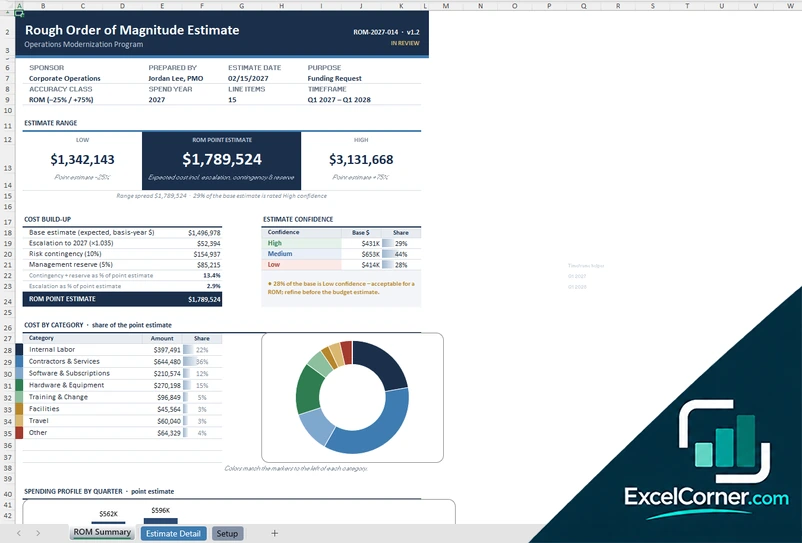
Estimate effort and cost, prioritize work and measure schedule and cost performance.
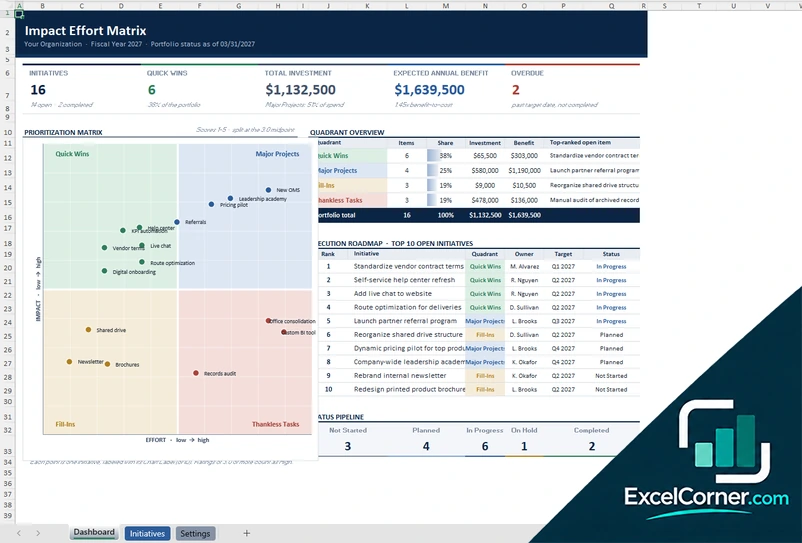
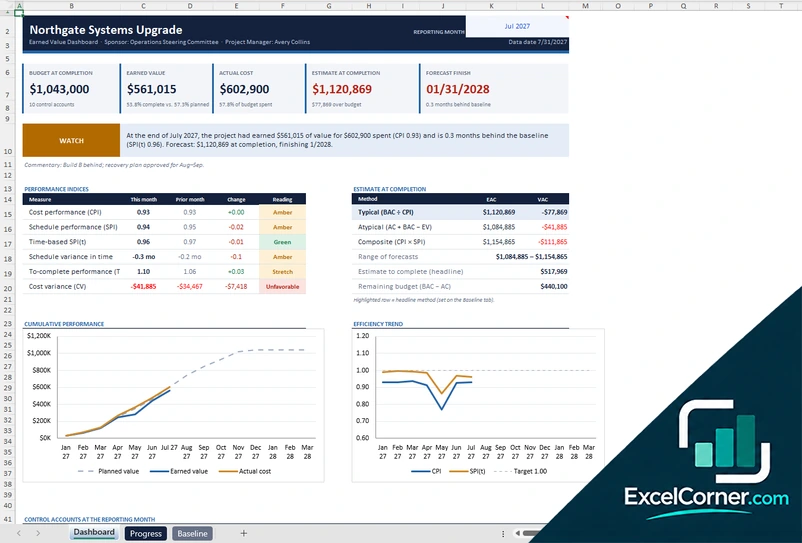
How to choose a project management template
- Start with the question you need to answer: who is available, what could go wrong or what it will cost.
- Use the lightest template that does the job. A simple log updated every week beats a complex plan nobody opens.
- Agree who owns each file and when it is updated.
- Replace the sample data first, then share a read-only copy with stakeholders.
Frequently asked questions
Are these project management Excel templates free?
Yes. Every template is a free .xlsx download. You do not need an account or an email address.
Can I combine several templates on one project?
Yes. They are separate workbooks, so you can use a resource plan, an issue log and a cost tracker together. Each file works on its own.
Do they work with Microsoft Project or Google Sheets?
They are not linked to Microsoft Project. They use standard Excel formulas with no macros, so you can upload them to Google Drive and open them in Google Sheets, but some formatting may differ.