
Home › Accounting & Business Finance
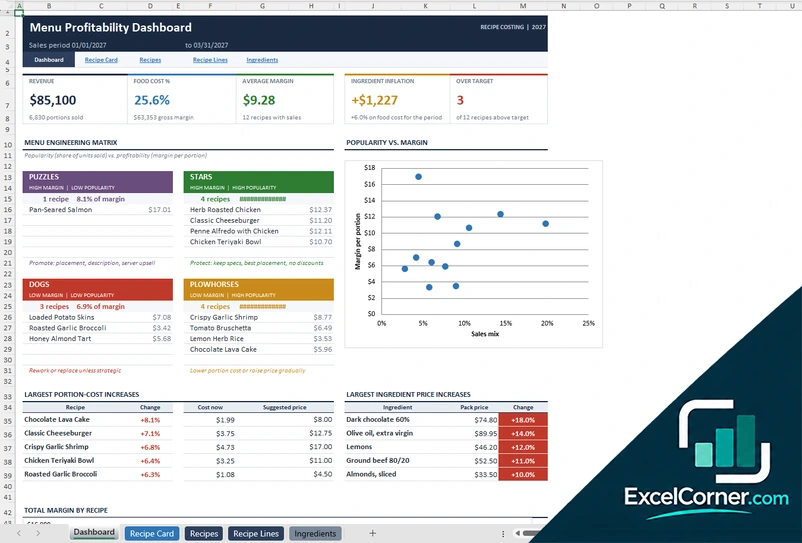
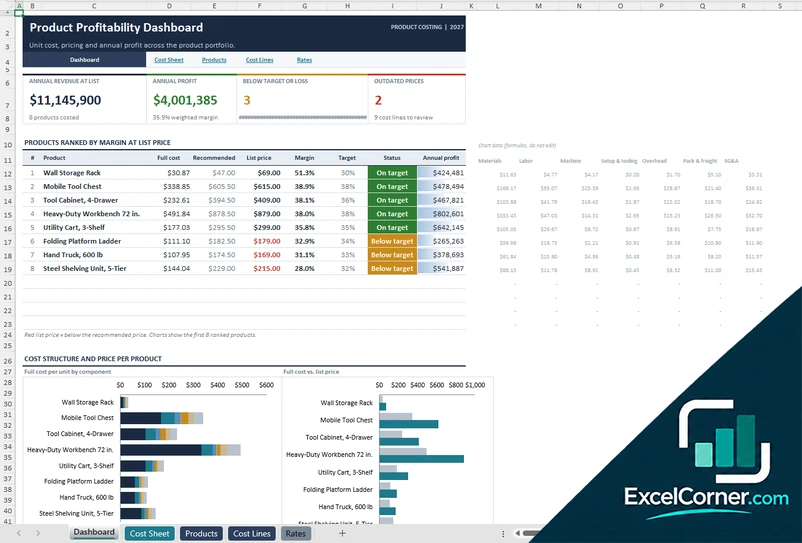
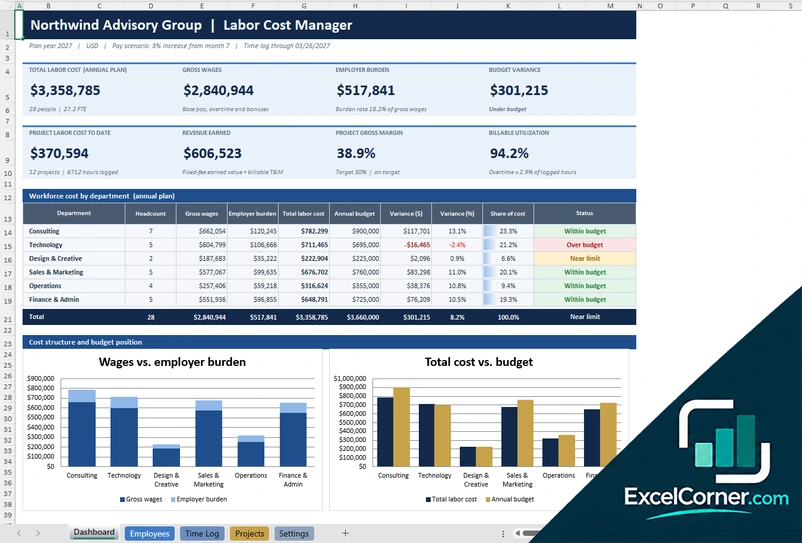
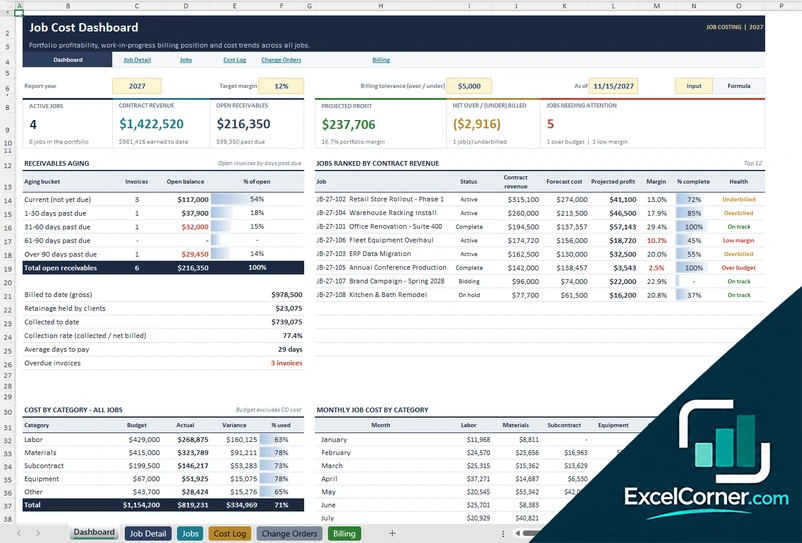
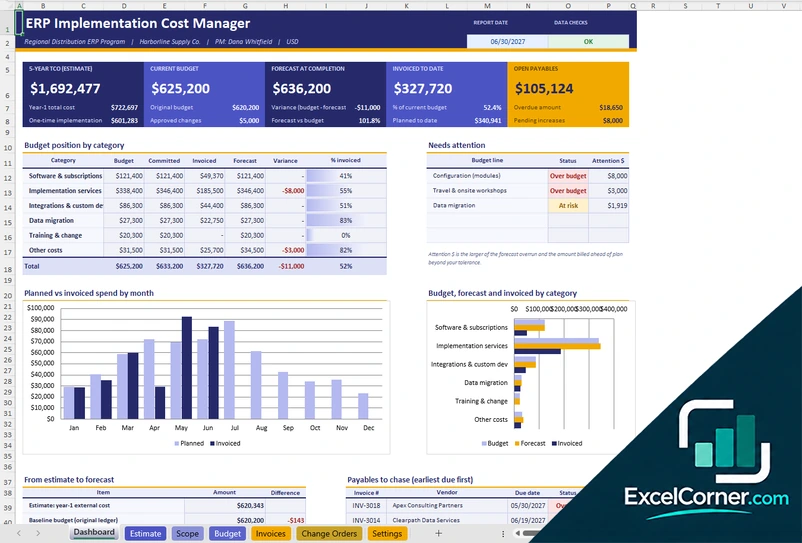
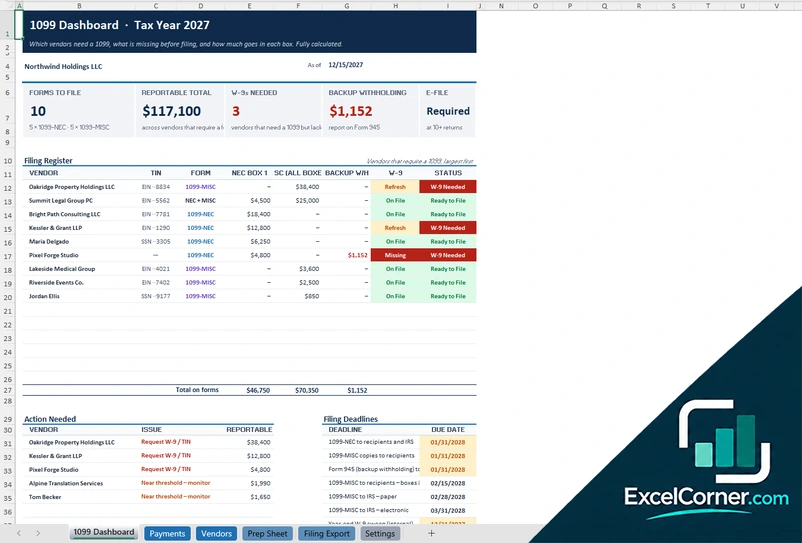
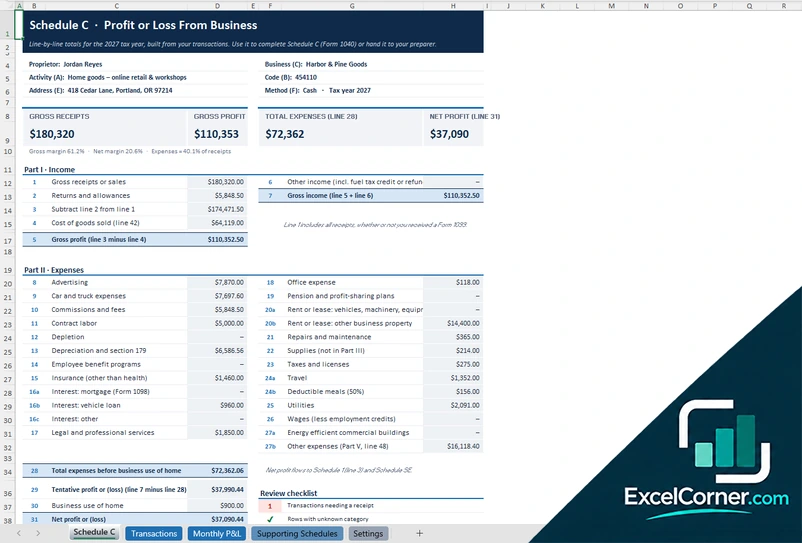
Small businesses, freelancers and finance teams can keep a lot of accounting work in Excel. These free accounting templates currently cover two areas: costing and margins, and tax tracking.
Each page offers up to three .xlsx versions with sample data that you replace with your own figures.
Costing and margins
Work out what products, jobs and projects really cost, so prices and margins are based on numbers.
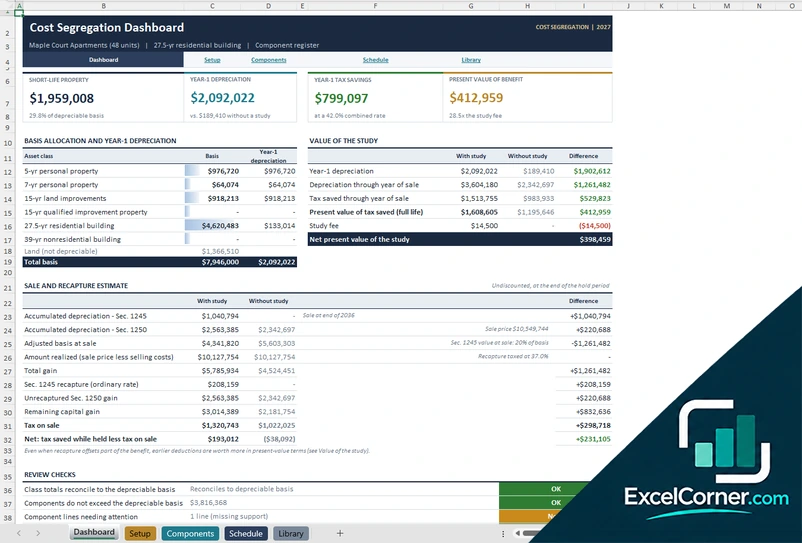
Tax tracking and deductions
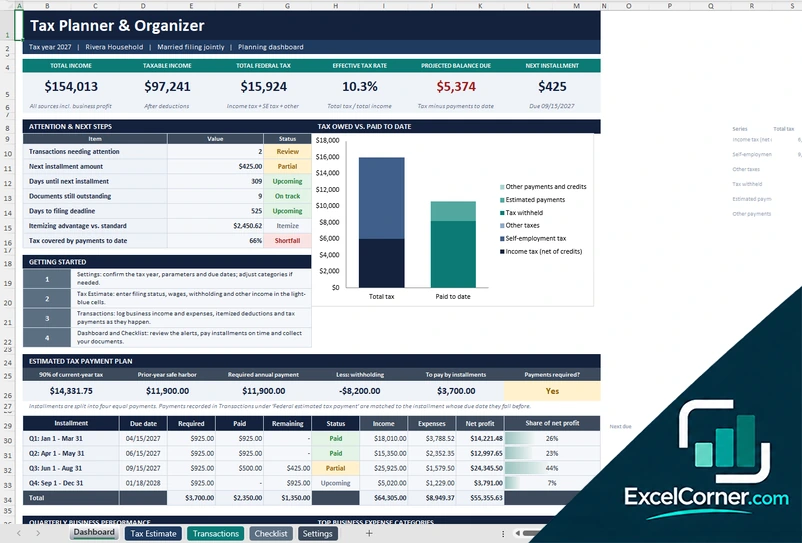
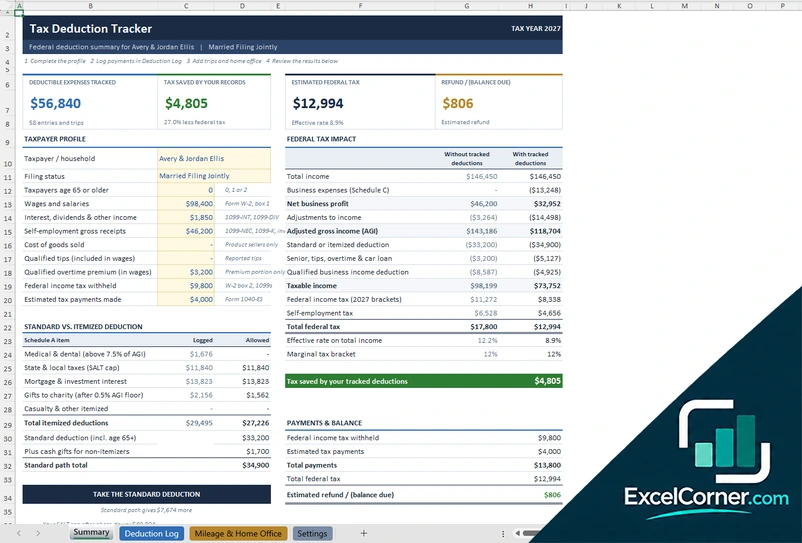
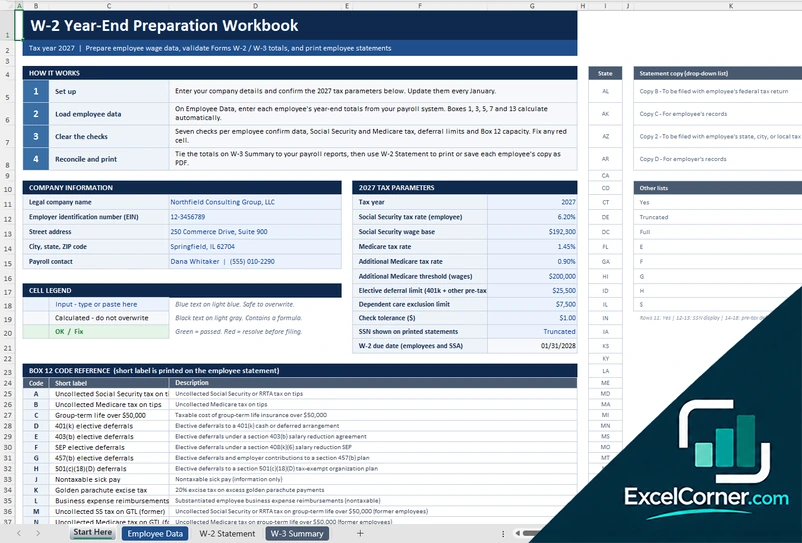
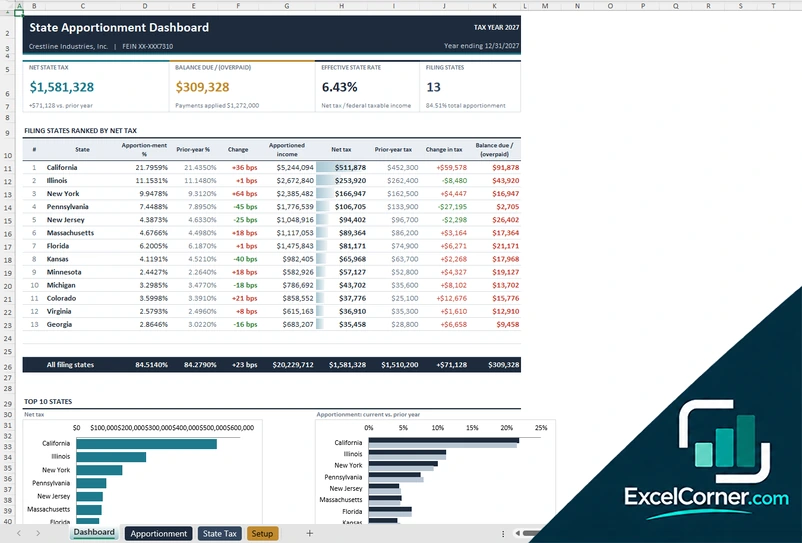
Organize income, deductions and filing data for the tax year. These worksheets are US-oriented and meant for tracking and planning.
How to choose an accounting template
- Start from the question you need answered, such as what something costs or what you owe.
- Replace the sample figures and check that totals tie to your books or bank statements before relying on a result.
- Keep one workbook per tax year so old figures never overwrite current ones.
- Treat tax templates as organizers and confirm rates, thresholds and forms with the official instructions or a tax professional.
Frequently asked questions
Are these accounting Excel templates free?
Yes. Every template is a free .xlsx download. You do not need an account or an email address.
Are the tax templates tax advice?
No. They organize figures for tracking and planning and use illustrative values. Tax rules change every year and differ by state, so confirm the details with the official instructions or a qualified tax professional.
Do the templates connect to accounting software?
No. They are standalone Excel files. You can paste or import figures from your accounting software or bank exports, and the data stays on your computer.