
Home › Marketing, Sales & Customers
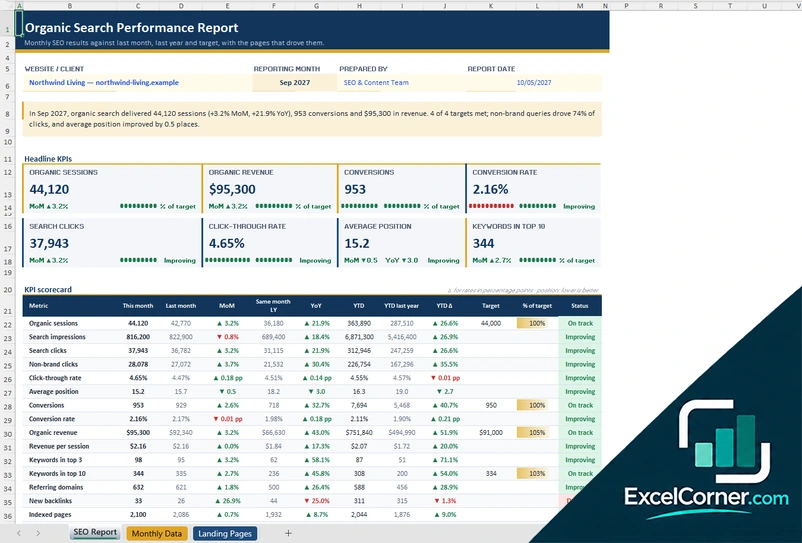
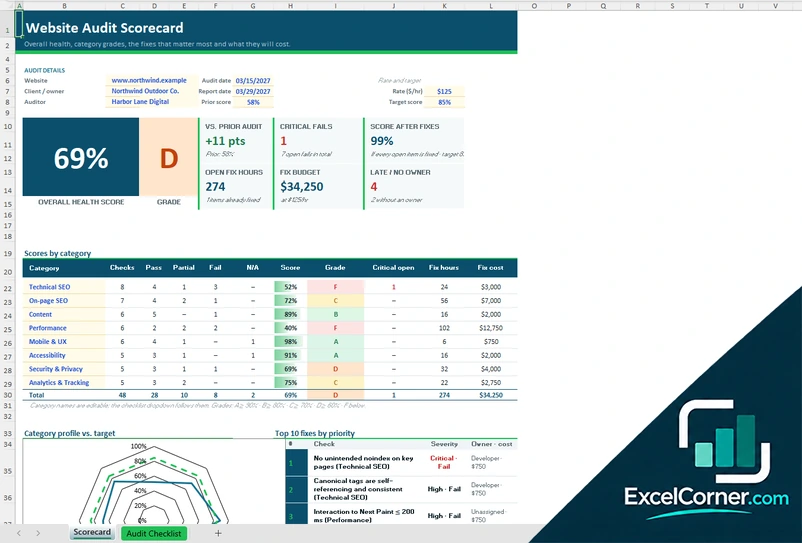
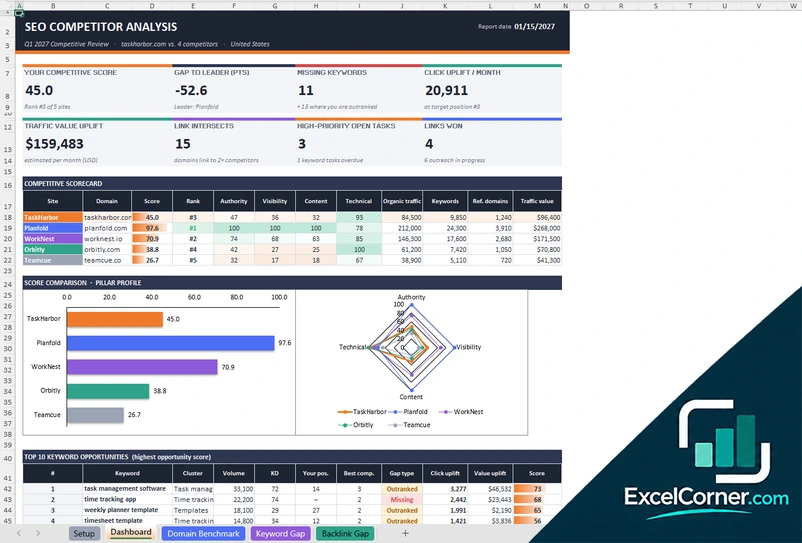
These free Excel templates help you check, measure and report on your website in search: SEO reports that show what organic search delivered, website audits that score the health of a site and list the fixes, and competitor analyses that show where other sites rank above yours.
Each page offers three .xlsx versions with sample data that you replace with your own.
SEO, website and analytics
Report on organic traffic and rankings, audit a website page by page and compare your site with the competition, with scores, gaps and priorities calculated for you.
How to choose an SEO or marketing template
- Start with the question you need to answer: how healthy is the site, where do competitors win, or what did organic search deliver this month.
- Use the same tool and the same date for every site and metric you compare.
- Replace the sample data first, then check the totals before you share a report.
- Repeat the audit or the report on a schedule, and keep the old files to see the progress.
Frequently asked questions
Are these marketing Excel templates free?
Yes. Every template is a free .xlsx download. You do not need an account or an email address.
Can I use several templates together?
Yes. They are separate workbooks, so you can audit a website, compare it with your competitors and report the results every month. Each file works on its own.
Do the templates collect data from my website or from Google?
No. They do not connect to your website, Google Search Console or any SEO tool. You type or paste the data from your own tools, and the workbook does the calculations, the scores and the charts.
Do the templates work in Google Sheets?
They use standard Excel formulas with no macros, so you can upload them to Google Drive and open them in Google Sheets, but some formatting may differ.