
Home › Marketing, Sales & Customers › Excel Quote Template
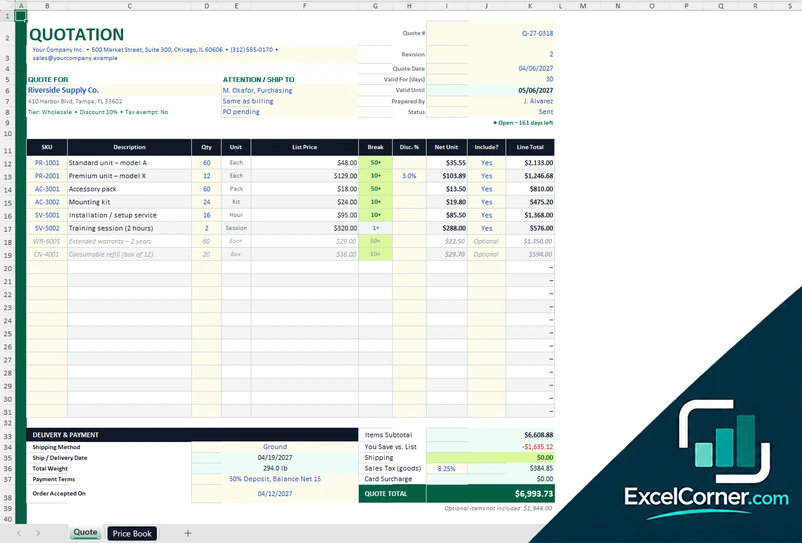
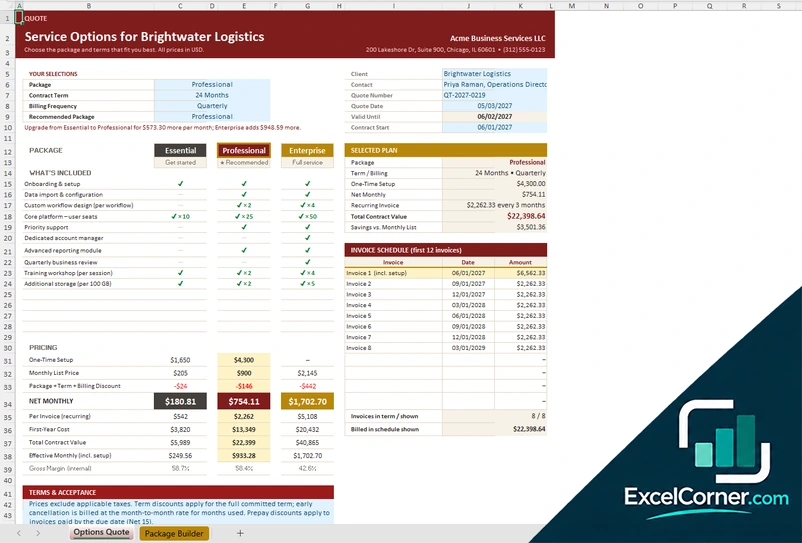
Previewing: Version 1 · Product Quotation with Price Book and Quantity Breaks. Pick another version on the right.
Instant download · No sign-up · No email
Download these free quote templates in Excel to send a professional quotation. One is a product quote with a price book, quantity breaks, shipping and payment terms. One is an options quote that lets the customer compare three packages and billing terms.
Choose your version
- File
- .xlsx · 20 KB · 2 sheets
- Works with
- Microsoft Excel (.xlsx)
- Macros
- None · formulas only
- Price
- Free
Make a quote in an Excel spreadsheet
A quote tells a customer exactly what you will charge, for what and until when. In Excel you can pick the products from a price book, and the prices, the quantity discounts, the shipping, the tax and the total fill in by themselves. You save time, and you avoid mistakes in the arithmetic.
These two templates suit two ways to sell. Version 1 is a classic product quotation: a quote sheet with a price book, quantity price breaks, customer accounts, shipping and payment terms. Version 2 is an options quote for services, with three packages, a contract term and billing discounts.
Best for
- Small businesses that quote products to customers
- Sales people who sell packages or subscriptions with different terms
- Anyone who needs a clean, numbered quotation with a validity date
Maybe not for
A CRM that creates quotes and sends them for e-signature. These are Excel files: you type the customer and the items, and the totals are calculated from what you enter.
Which version is right for you?
Both are free, formula-driven Excel files with sample data you can replace. They are independent, so you can download both.
Version 1
Product Quotation with Price Book and Quantity Breaks
A product quotation with a price book of products with quantity price breaks, customer accounts, shipping methods and payment terms, with optional items and a total.
QuotePrice Book
.xlsx · 20 KB
Version 2
Options Quote with Packages, Terms and Discounts
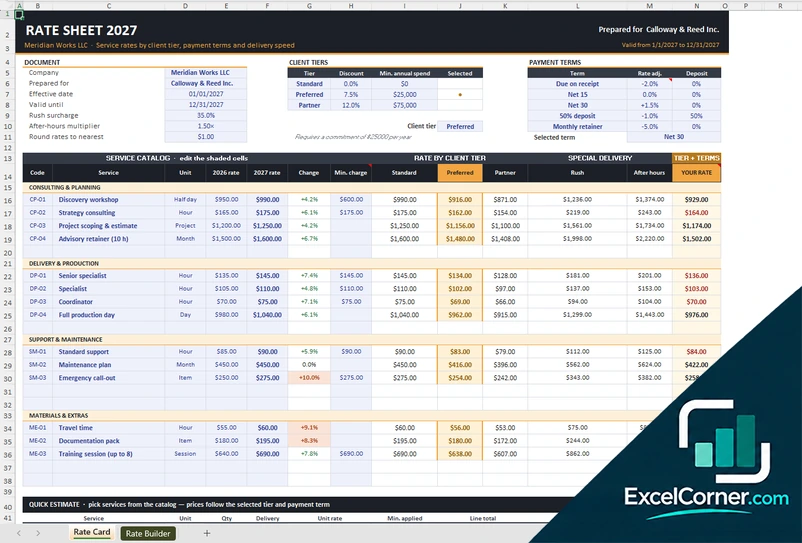
An options quote with three packages, term and billing discounts, a net monthly price, total contract value, an invoice schedule and a package builder sheet.
Options QuotePackage Builder
.xlsx · 17 KB
What is inside the quote templates
Version 1: Product Quotation with Price Book and Quantity Breaks
The Quote sheet has the quote number, the revision, the date, how many days it is valid and who prepared it. You enter the customer and the ship-to, then pick products by SKU with a quantity. It finds the quantity break, applies the customer discount and shows the net price, the line total and the saving.
Below you choose the shipping method and the payment terms. It adds the shipping, the sales tax and any card surcharge. The Price Book sheet holds the products with their price breaks, the customer accounts, the shipping methods and a margin check.
Version 2: Options Quote with Packages, Terms and Discounts
On the Options Quote sheet you pick the package, the contract term and the billing frequency. It compares Essential, Professional and Enterprise, showing what each includes, the one-time setup, the monthly price and the discounts, and the net monthly price, the first-year cost and the total contract value.
It builds an invoice schedule for the selected plan and prints the terms and acceptance. The Package Builder sheet defines the components, what each package includes and the term and billing discounts.
How to use a quote template in Excel
- Download
Pick the version that fits how you sell and open it in Excel. Each file has a sample quote. - Set up your prices
Enter your products or packages, the prices, the quantity breaks and the discounts. - Fill in the customer
Add the customer, the quote number, the date and how long the quote is valid. - Choose the items or the plan
Pick the items and quantities, or the package, the term and the billing frequency. - Send it
Check the total, then print the quote or save it as a PDF for your customer.
Replace the sample quote with your own. The prices, the discounts and the totals update on their own.
Which quote template do you need?
| Product Quotation with Price Book | Options Quote with Package Builder | |
|---|---|---|
| You enter | SKUs, quantities and the customer | A package, a term and a billing frequency |
| Best for | Selling products with quantity breaks | Selling services in packages |
| You get | Line totals, savings, shipping, tax, total | Net monthly price, contract value, invoice schedule |
| Sheets | 2 | 2 |
| Charts | No | No |
They are separate files, so you can use both.
Tips for a quote that wins
- Number each quote and keep a copy, so you can find it later.
- Write the date until the quote is valid.
- Show what is included and what is optional.
- Add your payment terms and your delivery terms.
- Follow up a few days after you send it.
Frequently asked questions
Are these quote templates free?
Yes. Both versions are free to download as .xlsx files. You do not need an account or an email address.
Which version should I choose?
Choose the Product Quotation (Version 1) to quote products from a price book with quantity breaks. Choose the Options Quote (Version 2) to let a customer compare packages and billing terms for a service.
How do I make a quote in Excel?
Make a sheet with your company and the customer, a table with the item, the quantity, the price and the line total, and a section for the tax and the total. Add a quote number and a valid-until date. The templates already do this.
What is the difference between a quote and an estimate?
A quote is a fixed price for a defined scope, and the customer can accept it. An estimate is an approximate price that can change. The templates have a valid-until date and terms, as a quote should.
Can I add a discount for larger quantities?
Yes. Version 1 has quantity price breaks in the price book: the quote uses the highest break that the quantity reaches. Version 2 has discounts for a longer term and for prepaying.
More free sales and pricing templates
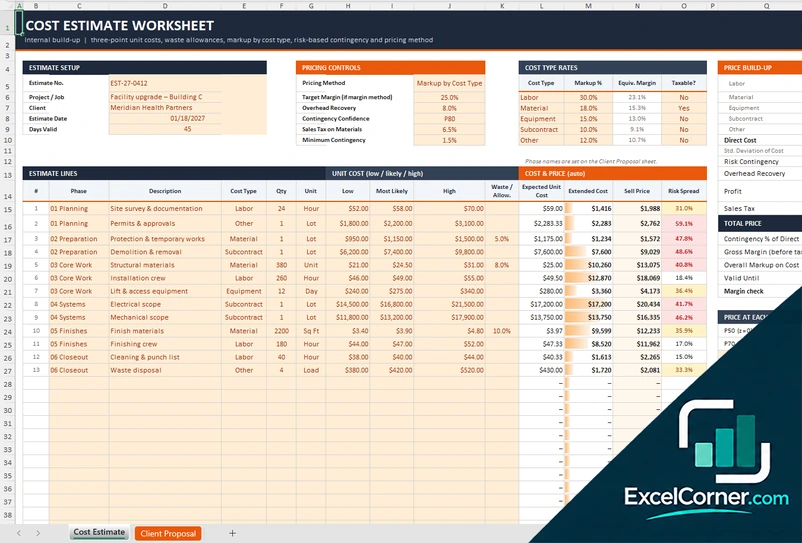
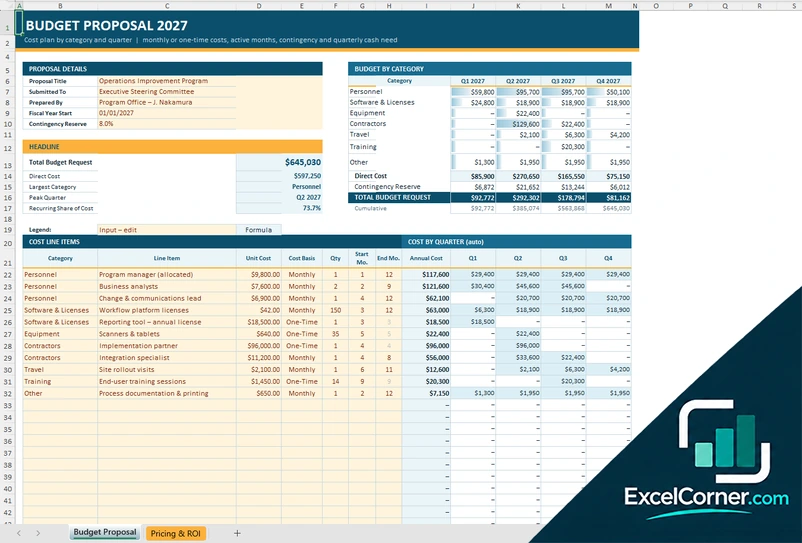
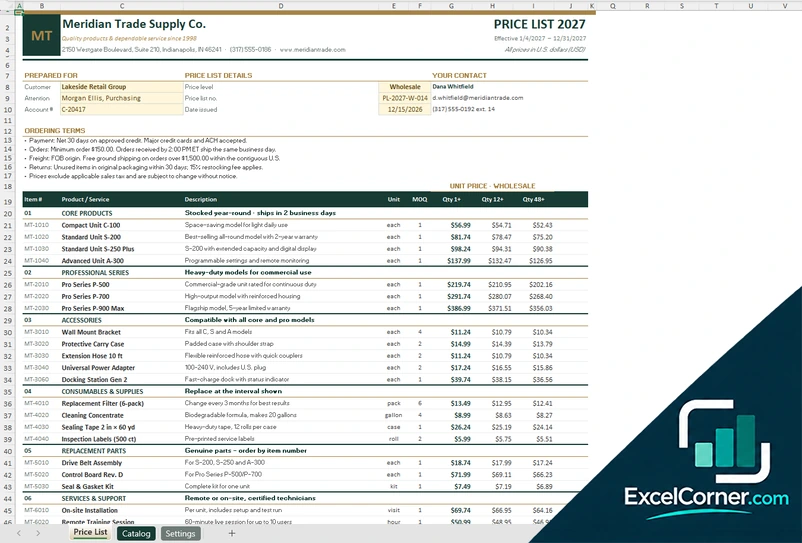
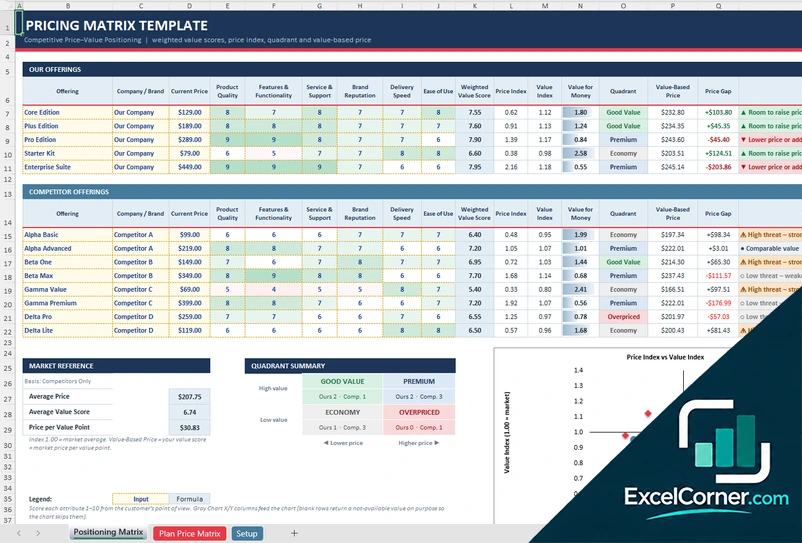
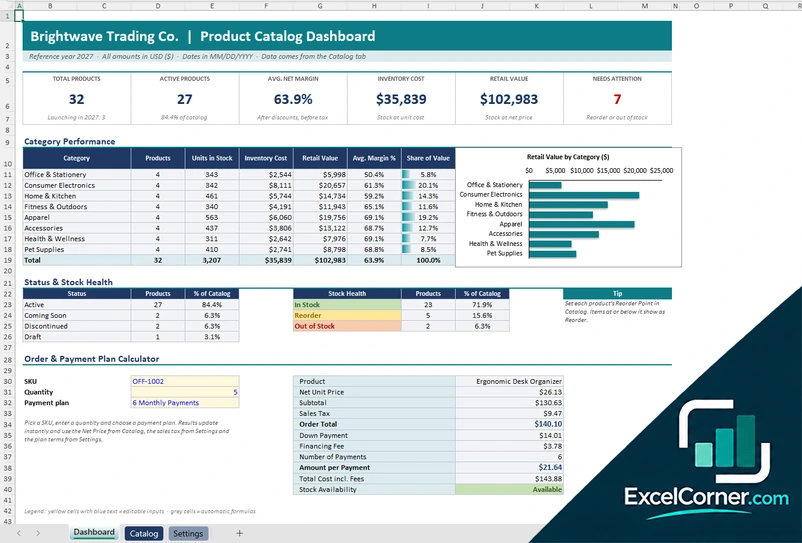
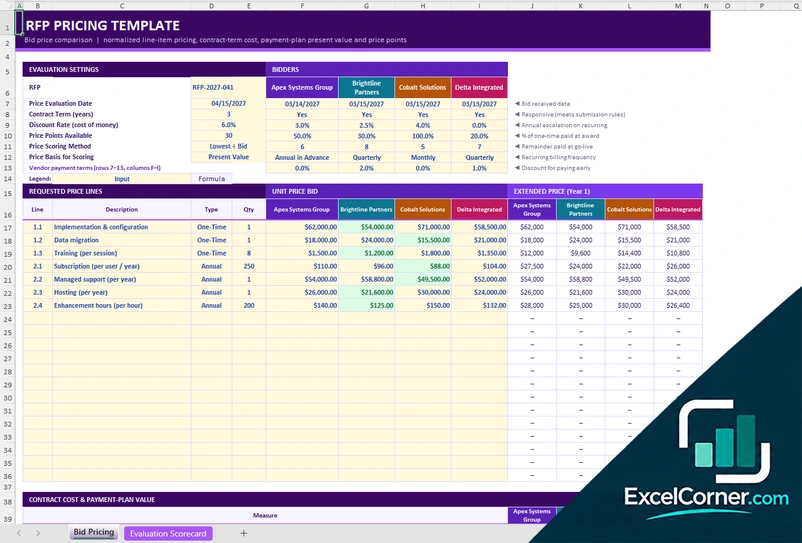
These templates use made-up sample companies, products and prices. Check the prices, the taxes, the discounts and the terms against your own rules before you send a quote to a customer. Excel is a trademark of Microsoft Corporation; Excel Corner is not affiliated with Microsoft.