
Home › Operations, Inventory & Logistics
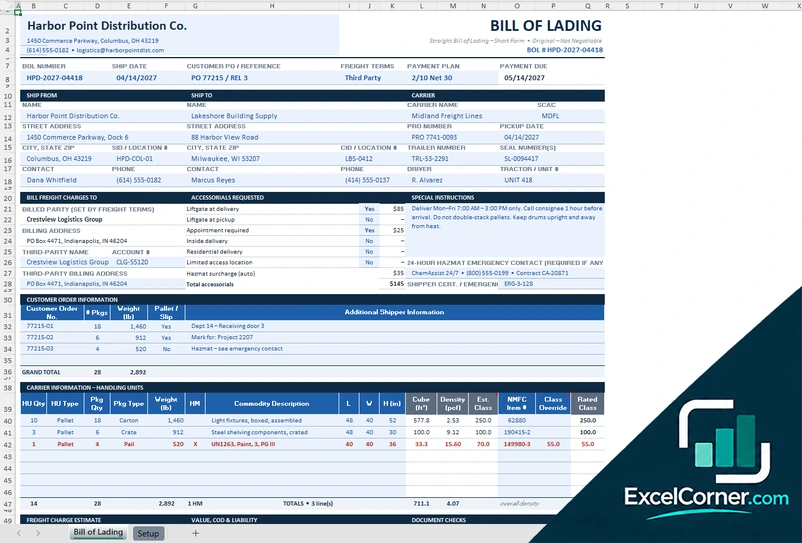
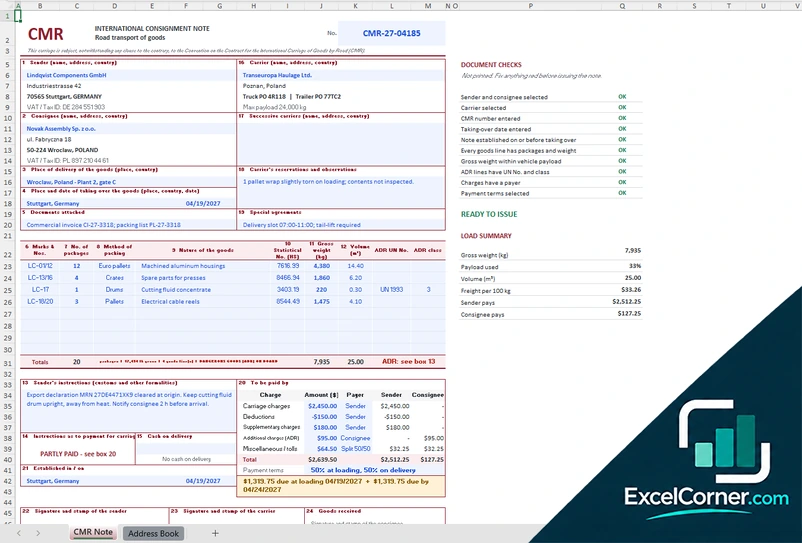
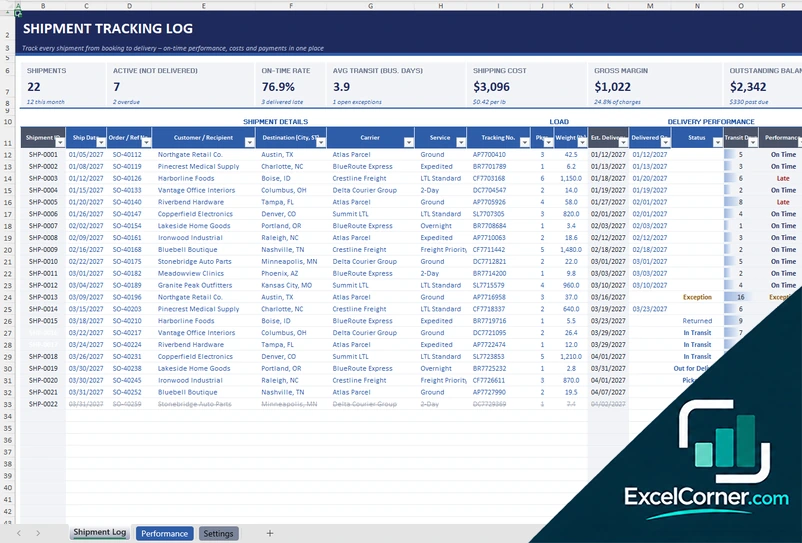
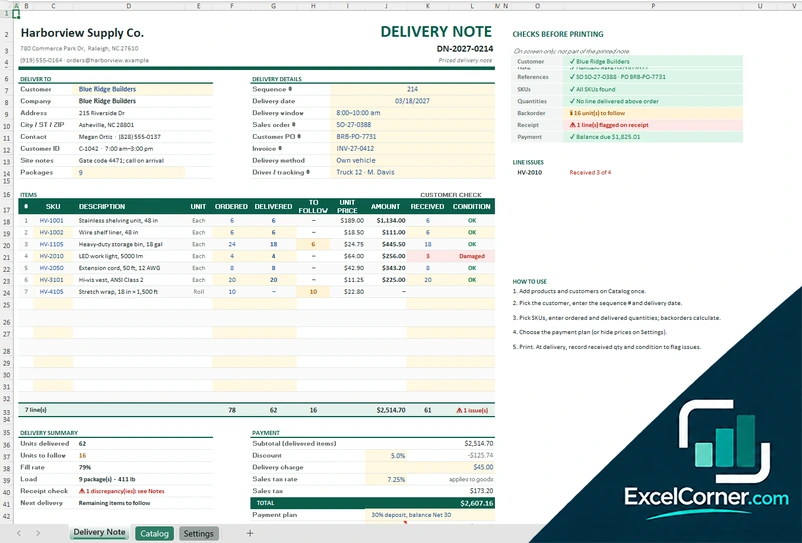
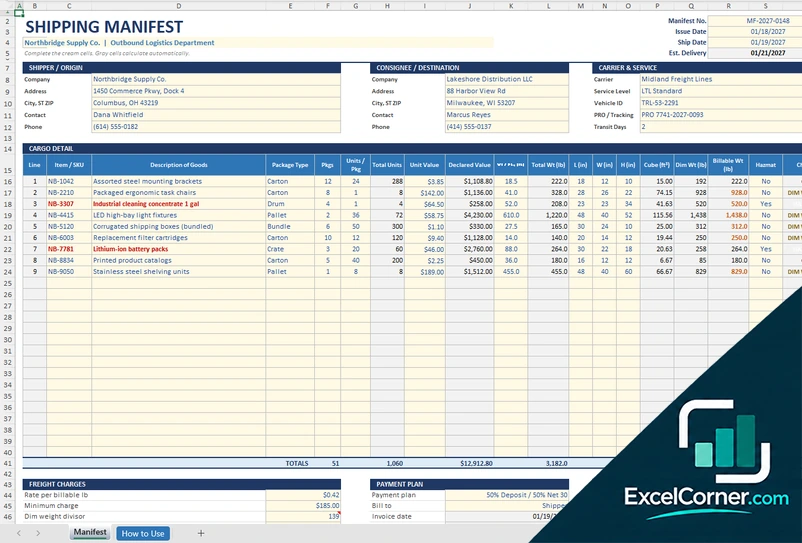
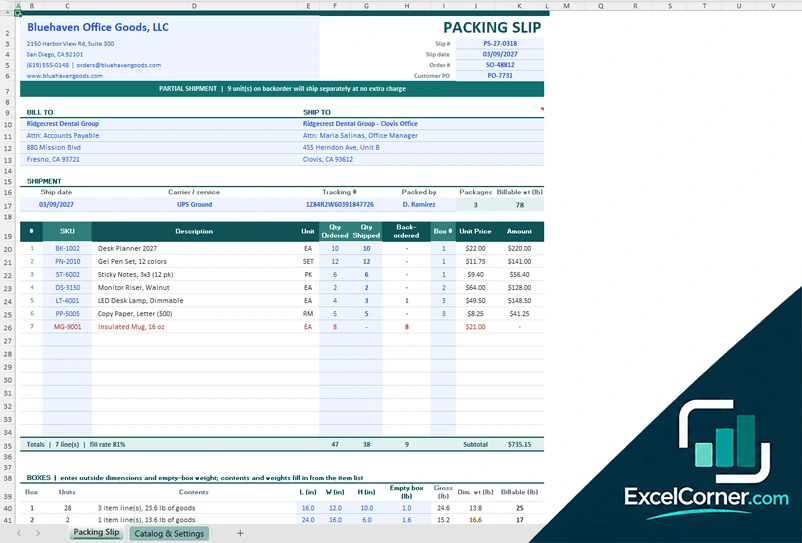
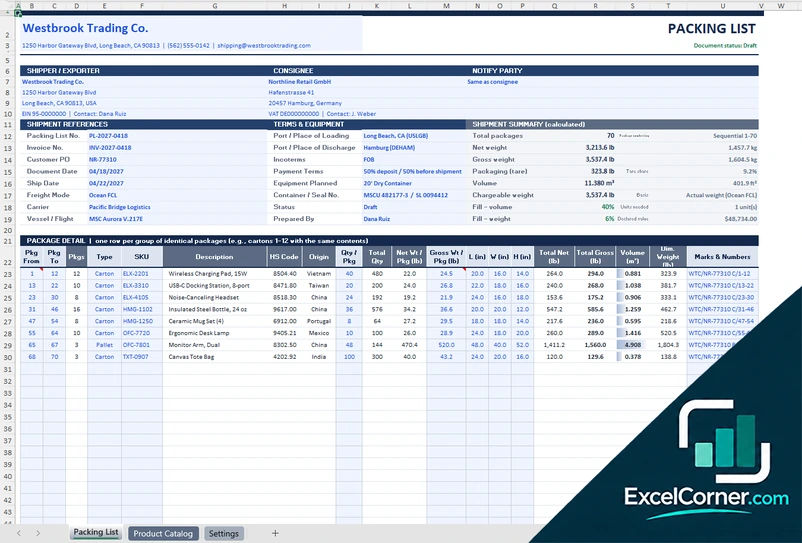
These free Excel templates help you document how work is done and move goods from one place to another: SOP, workflow, process flow chart and value stream mapping templates for your processes, and bill of lading, CMR, shipment tracking, delivery note, packing slip, packing list and shipping manifest templates for logistics and shipping.
Each page offers two to six .xlsx versions with sample data that you replace with your own.
Processes and SOPs
Write standard operating procedures, draw process flow charts, map value streams with lean methods, and plan and monitor workflows with owners, dates, costs and service levels.
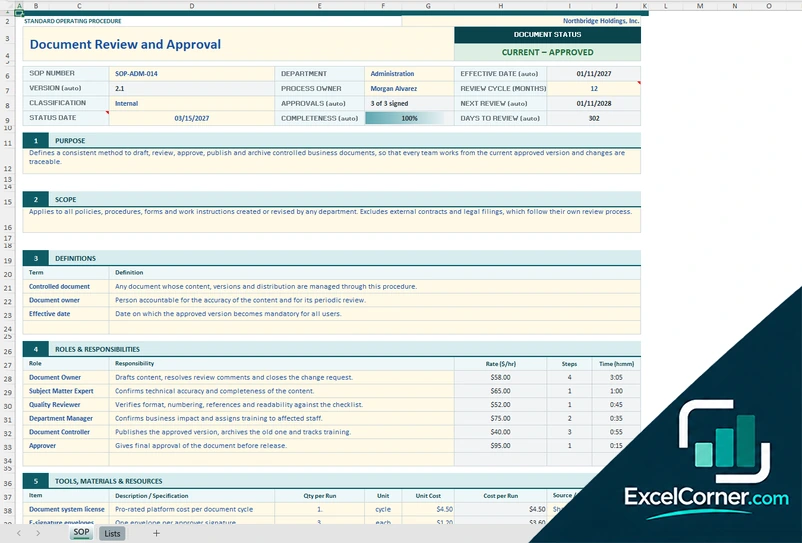
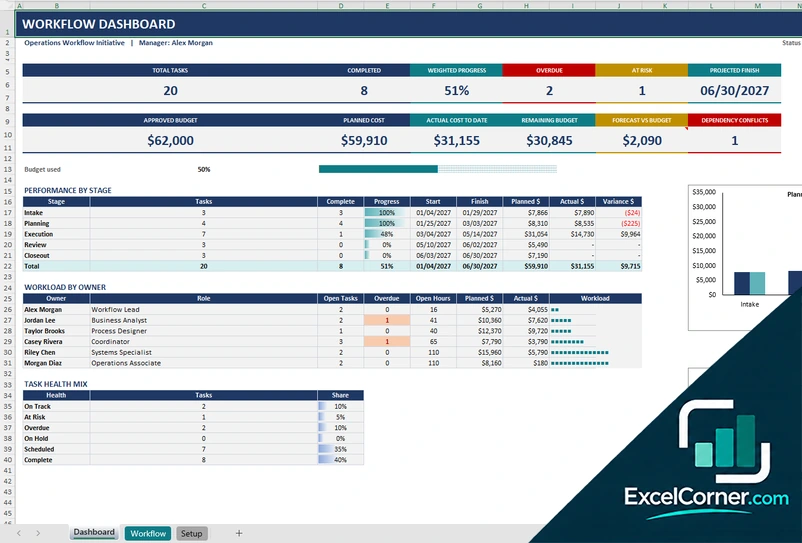
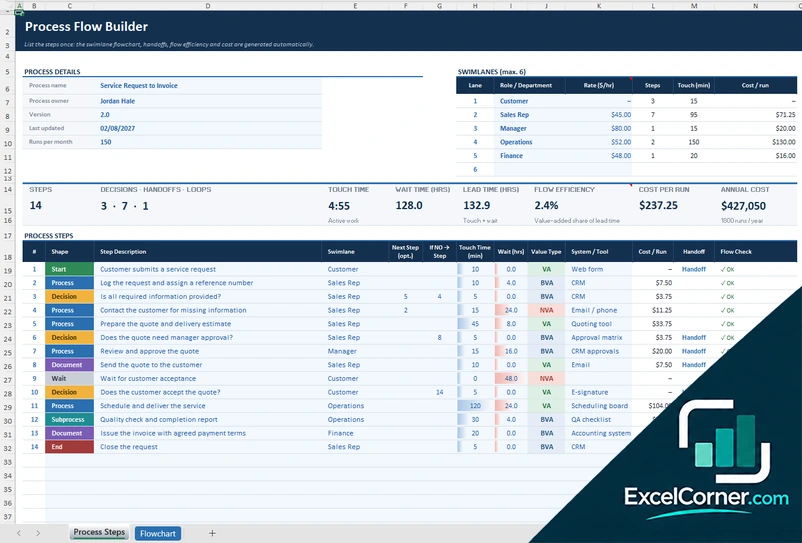
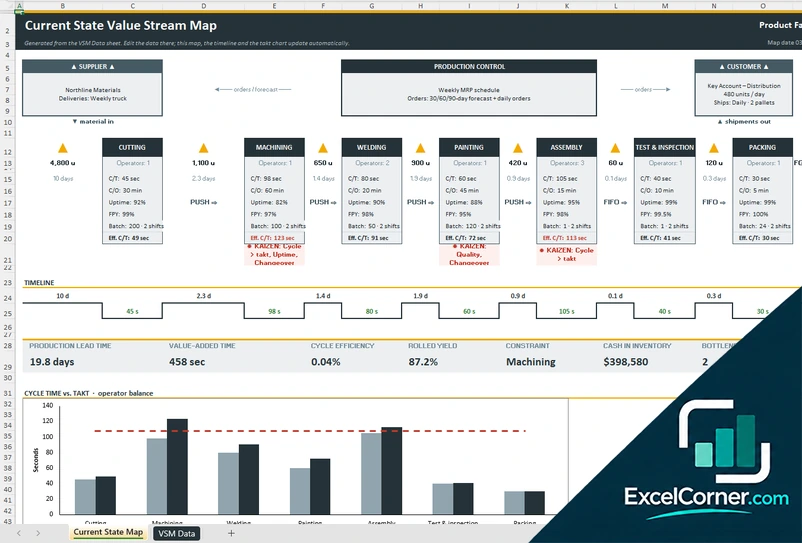
Logistics and shipping
Prepare bills of lading, CMR consignment notes, delivery notes, packing slips, packing lists and shipping manifests, and track every shipment from booking to delivery with on-time rates, costs and payments.
How to choose an operations or logistics template
- Start with the job: documenting a procedure, running a workflow, issuing a shipping document or following shipments.
- Replace the sample data first, then check the totals and the flags before you share a file.
- Keep your lists of people, carriers, customers and payment terms on the setup sheet, so that the dropdowns stay consistent.
- Check the terms of your carrier or your contract before you rely on a shipping document.
Frequently asked questions
Are these operations and logistics templates free?
Yes. Every template is a free .xlsx download. You do not need an account or an email address.
Can I use several templates together?
Yes. They are separate workbooks, so you can write an SOP, plan the workflow around it and then prepare the shipping documents and track the shipments. Each file works on its own.
Do the templates connect to my carriers or my systems?
No. They do not connect to carriers, ERP or transport systems. You type or paste your own data, and the workbook does the calculations, the flags and the charts.
Do the templates work in Google Sheets?
They use standard Excel formulas with no macros, so you can upload them to Google Drive and open them in Google Sheets, but some formatting may differ.