
Home › Personal Finance
These free personal finance Excel templates cover the money jobs most households repeat: paying off debt, keeping bills and income under control, and keeping an eye on net worth and investments.
Every workbook is a plain .xlsx file with sample data that you replace with your own. Each page offers up to three versions so you can pick the layout that fits how you work, and no account or email is needed.
Pay down debt and build savings
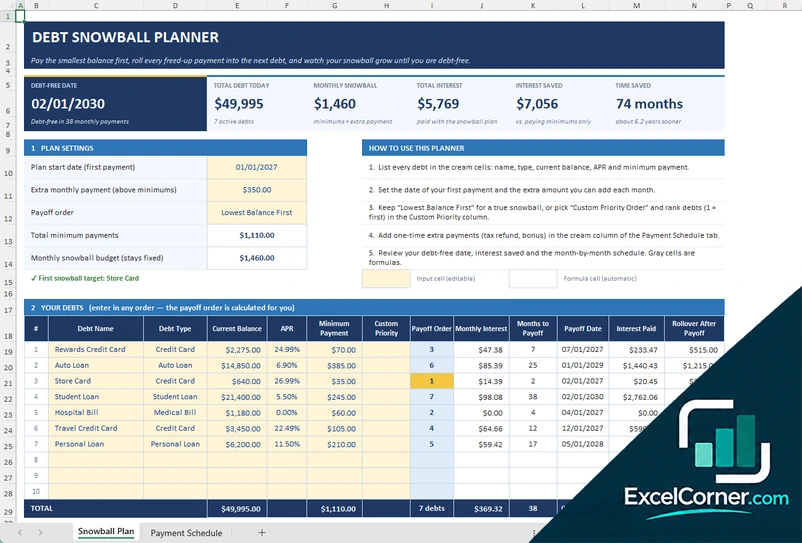
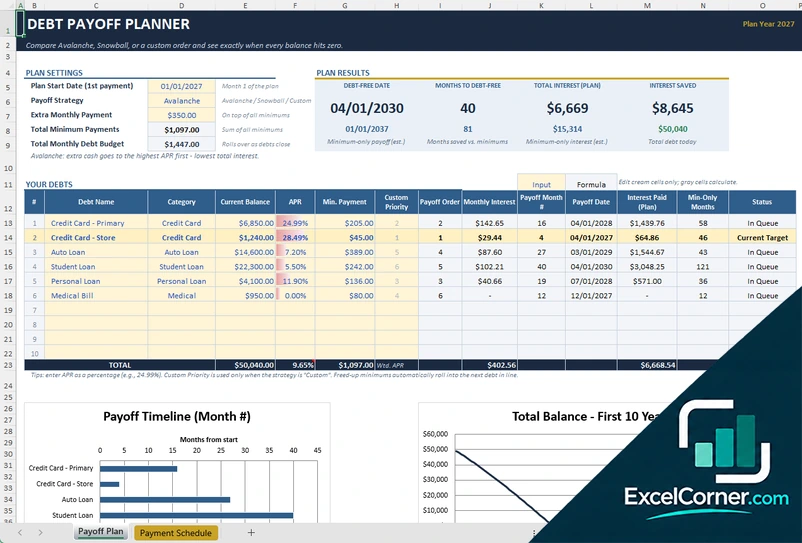
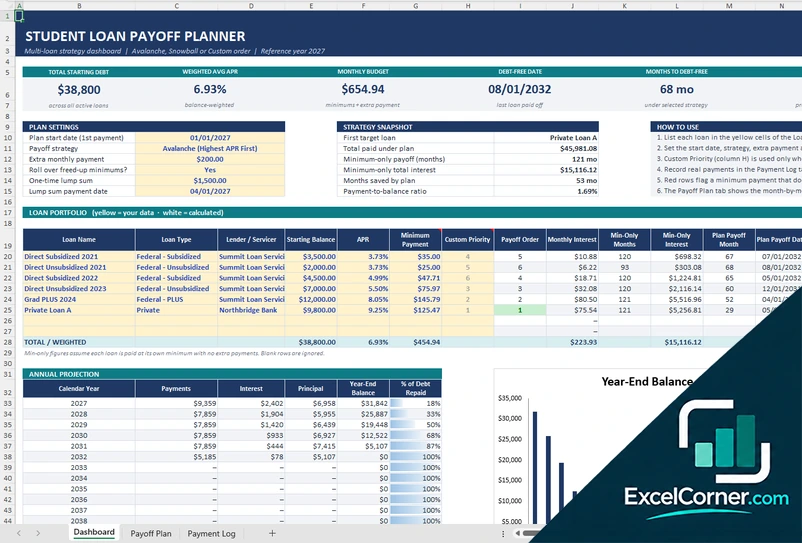
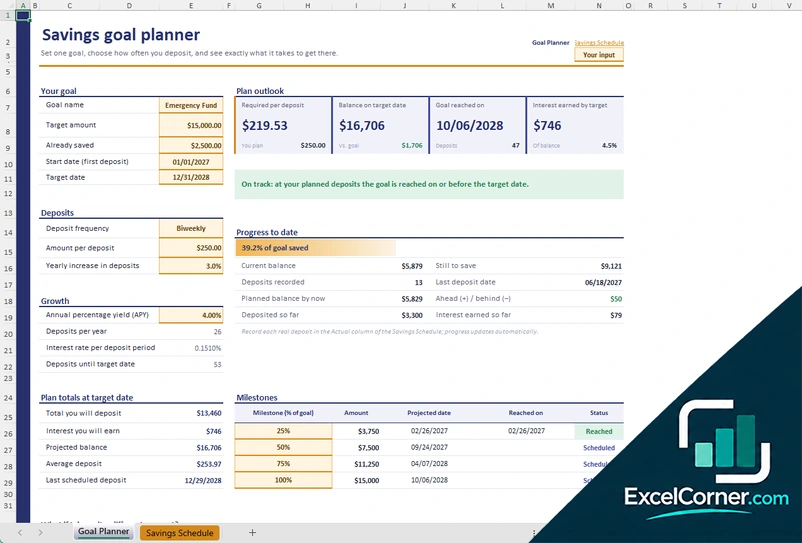
Plans that show how long debt will take to clear and how much interest it costs, plus a tracker for savings goals. Use these when you have a target balance or date in mind.
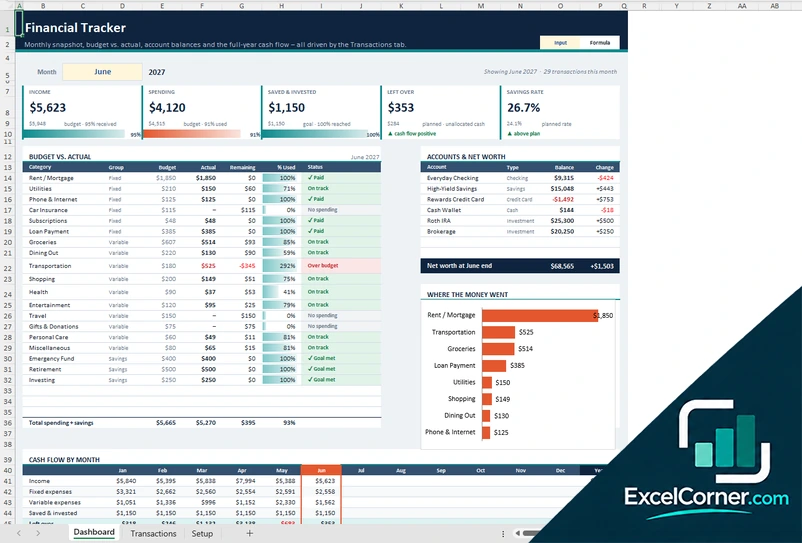
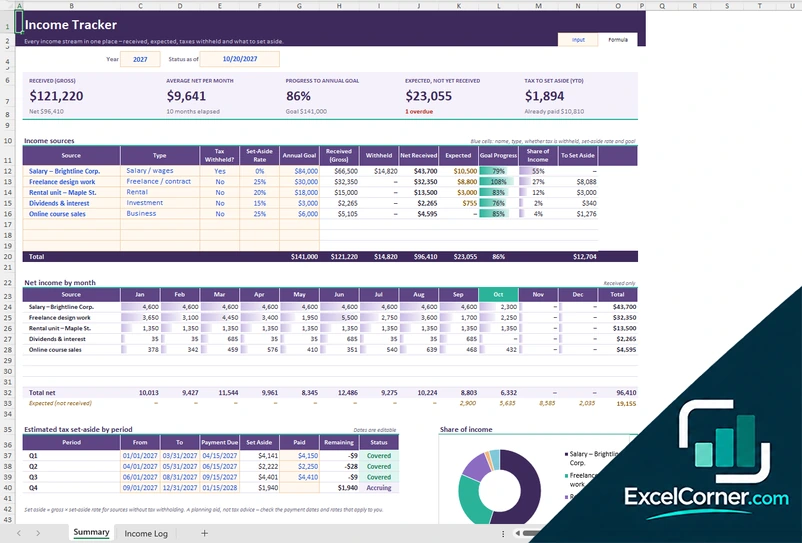
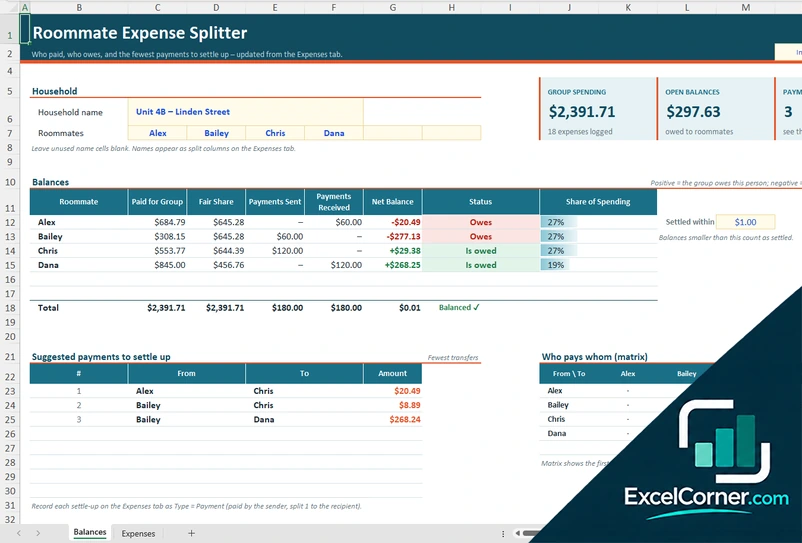
Keep household expenses, income and bills in order
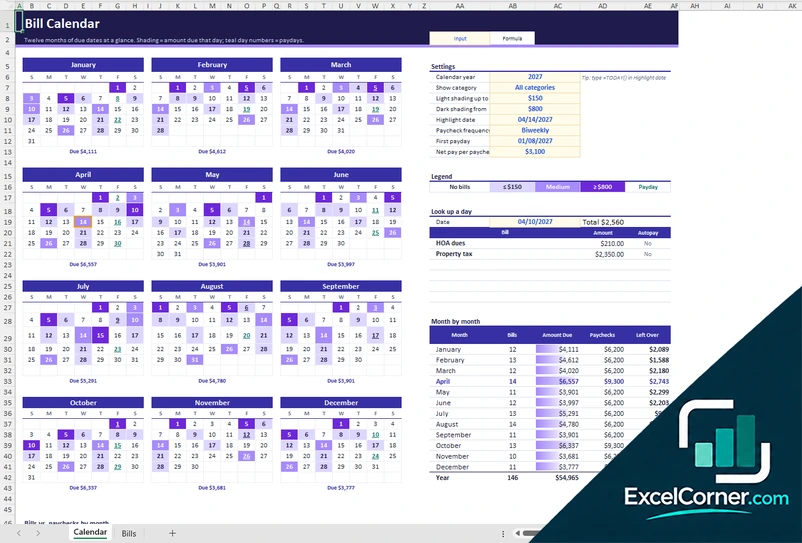
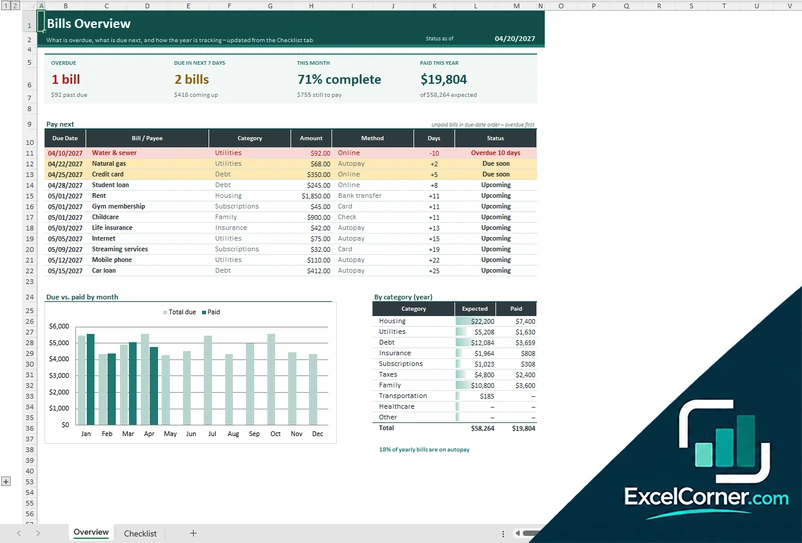
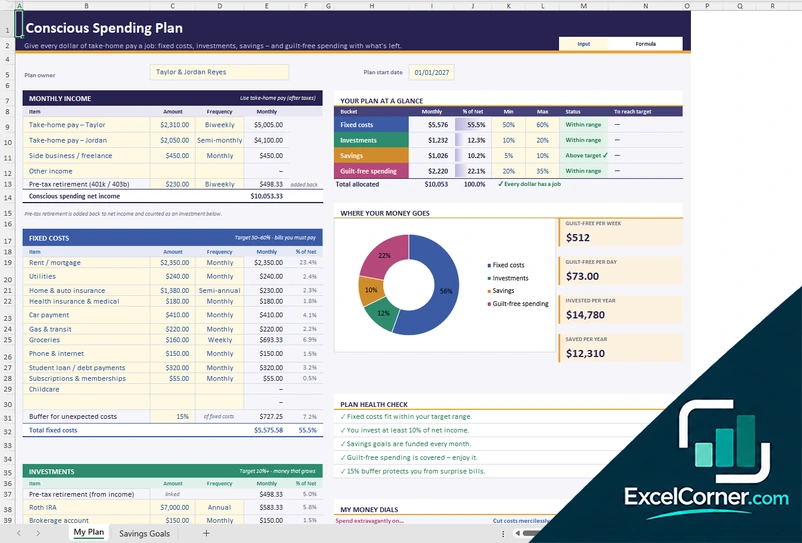
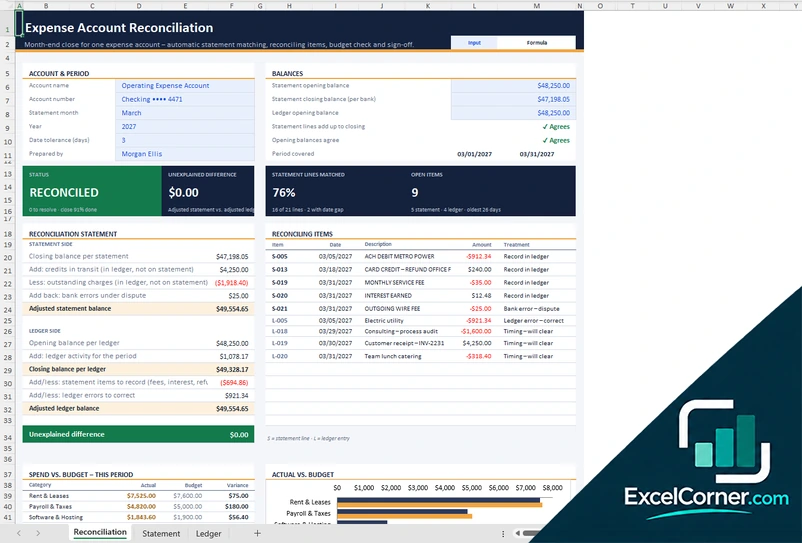
Month-to-month tools for knowing where money comes in and where it goes: due dates, spending plans, reconciliation, income logs and shared household costs.
Follow net worth, investments and retirement
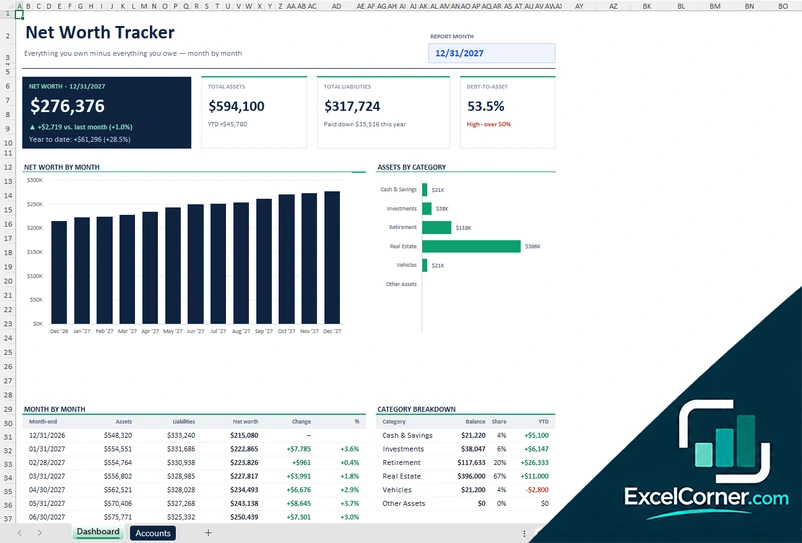
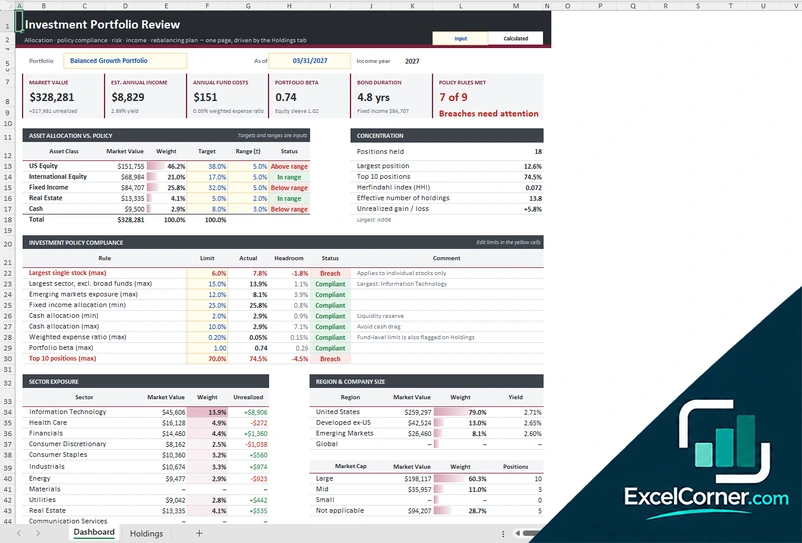
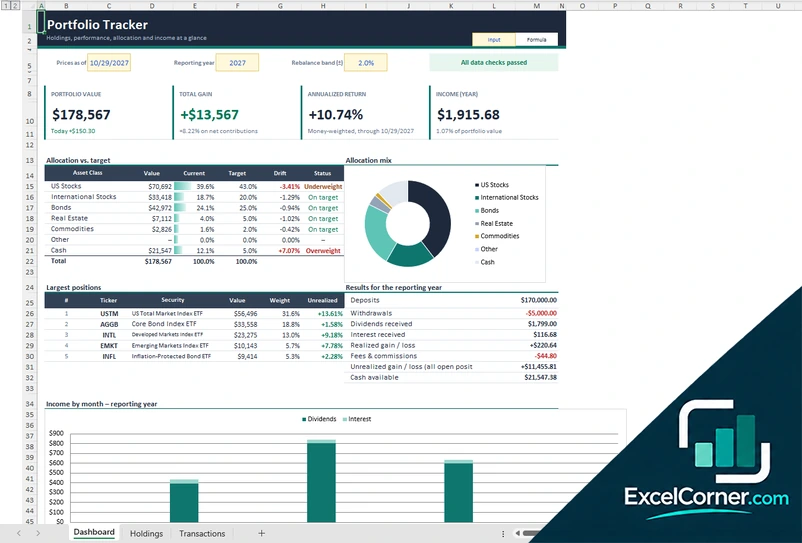
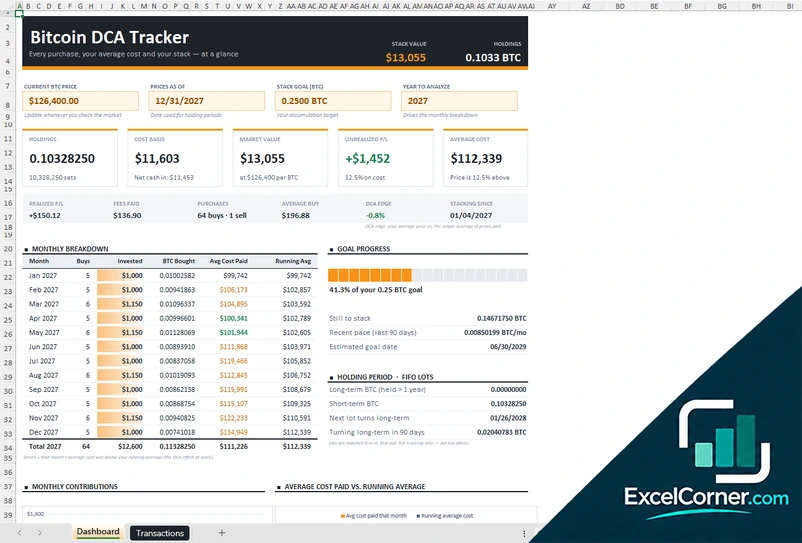
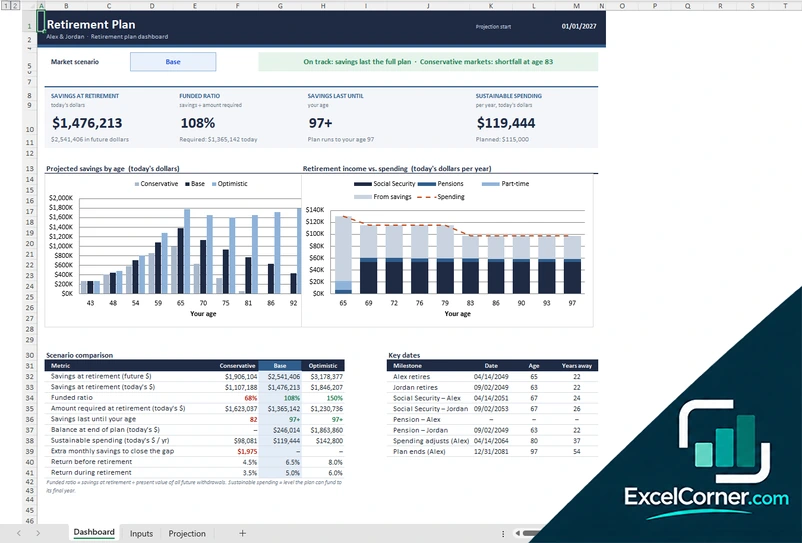
Track what you own and owe, watch a portfolio or regular crypto purchases, and estimate whether retirement savings are on course.
How to choose a personal finance template
- Start with the biggest problem: a debt payoff plan if balances are growing, bill and spending tools if you are unsure where the money goes.
- Use one workbook for one job. A focused file is easier to keep up to date than one large spreadsheet.
- Update it on a fixed day each week or month, because a template only helps while the numbers are current.
- Replace the sample data first, then check that the totals match your bank or card statements.
Frequently asked questions
Are these personal finance templates for Excel free?
Yes. Every template is a free .xlsx download. You do not need an account or an email address.
Can I use them in Google Sheets?
The files are made for Microsoft Excel and use standard formulas with no macros. You can upload them to Google Drive and open them with Google Sheets, but some formatting or charts may look different.
Is my financial data stored online?
No. The templates are plain Excel files, so the figures you type stay in your own file on your own computer.
Is this financial advice?
No. The templates are tracking and calculation tools with sample data. Check the figures against your own accounts, and speak to a licensed professional for advice about your situation.